11
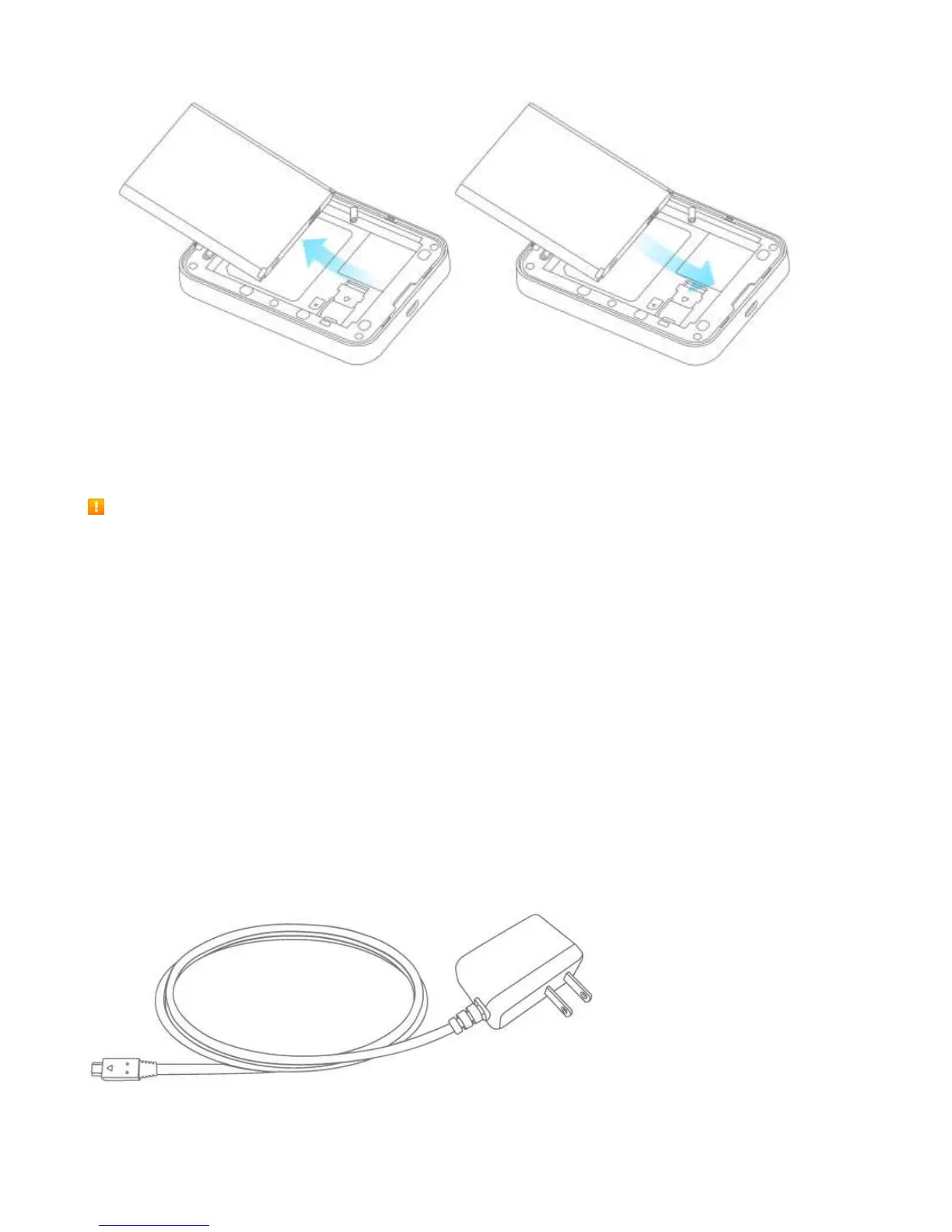
4. Replace the battery cover.
Charge the Battery
Follow these instructions to charge your device's battery using the included AC
adapter. Battery Charging Cautions
Charging Conditions: Under low temperatures charging performance decreases. Charge in
temperatures between 5°C ~ 35°C. Do not charge in places where there is high humidity. USB charging
may be unavailable depending on Wi-Fi router temperature.
Use Supplied Accessories: Always use the supplied AC adapter.
Precaution for Extended Use: Your device may become hot when used for a long time or while
charging, especially in high temperatures. Prolonged contact with skin may cause low-temperature burn
injuries.
The R871 and AC Adapter Becoming Warm or Hot: Your device and the AC adapter may become
warm while charging. This is not a malfunction. However, stop using them immediately if they become
extremely hot; this could indicate a malfunction.
Charge Using the AC Adapter
Use the supplied AC adapter.
1. Plug the AC adapter into an electrical outlet.



 To Next Page