35
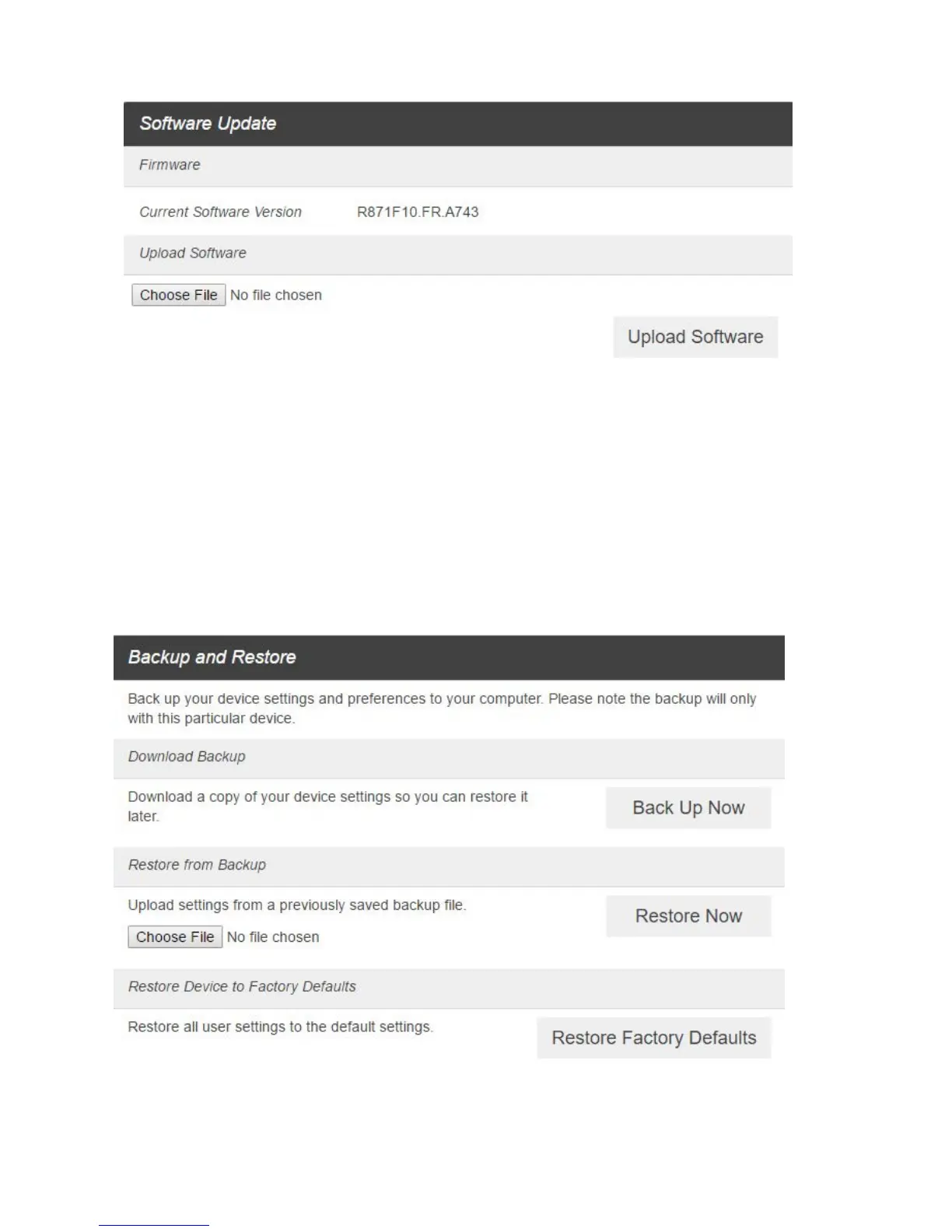
2. Read the onscreen options and click the update you would like to initiate.
Update Software: If you have a new software file provided by your service provider, you can
select the file and update your R871 manually by pressing Update Software button.
Backup and Restore
■ From the Web UI, click Settings > Device > Backup and Restore to access menus to back up your
device settings to your computer, restore from the backup and restore your device to its factory
default settings.
To back up your device settings to your computer, follow the steps below:



 To Next Page