10
Battery Use
The following topics explain how to insert and remove your device's battery.
Battery Cautions
Storage: Avoid storing or leaving the battery with no charge remaining. Saved information and settings
may become lost or changed, or battery may become unusable. Charge once every six months before
storing or leaving unused for a long period.
Bulges: Depending on use, bulges may appear near end of battery life. This does not affect safety.
Replacing the Battery: The battery is a consumable item. It needs to be replaced if operating time
shortens noticeably. Purchase a new battery.
Cleaning: Clean soiled terminals between battery and device with a clean, dry cotton swab. Soiled
terminals can result in a poor connection and prevent charging, etc.
Inserting / Removing the Battery
Follow these instructions to insert your device's battery safely and properly.
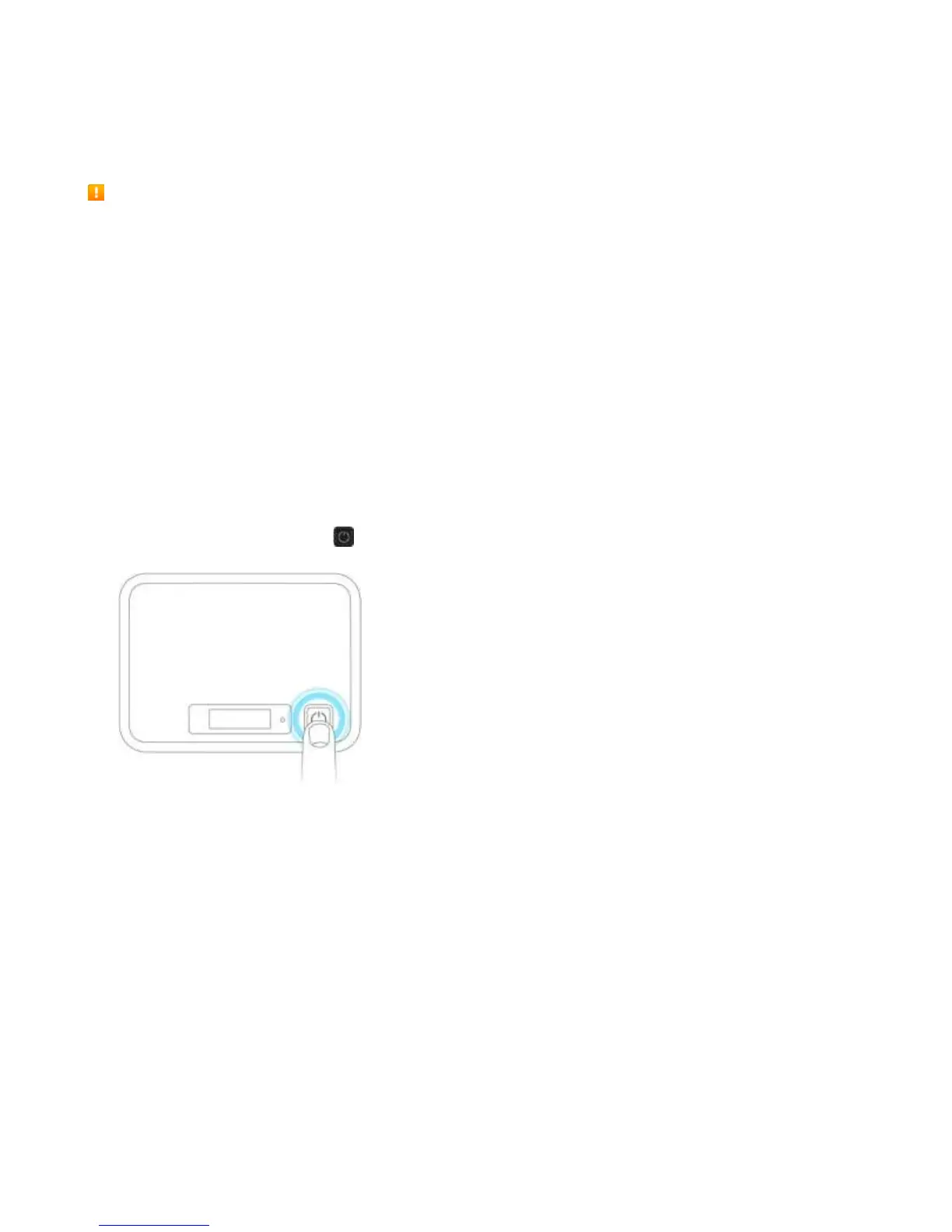
1. Press and hold the Power key to turn off the device before inserting or removing the battery.
2. Remove the battery cover.
3. Remove the battery / Insert the battery.



 To Next Page