27
Open : Authentication and encryption won't be performed. There are risks that private info
will be intercepted or network will be used by unauthorized individuals
SHARED : Authentication via Shared Key protocol.
WPA2-PSK : WPA-PSK is the securer version of WPA with implementation of the 802.11i
standard.
WPA-PSK/WPA2-PSK : Apply both the WPA-PSK and WPA2-PSK scheme.
Encryption Method: Use this setting to select the desired type of Encryption Method used to
encrypt the wireless network Advanced Encryption Standard (AES) is the latest and most secure
encrypt the wireless network. Advanced Encryption Standard (AES) is the latest and most secure
option and should be used whenever possible..
Maximum Connections: Choose the maximum number of the devices which connect to your
device simultaneously. You can also click the right or left arrow to distribute the maximum
number of the connected devices between the Main Wi-Fi and the Guest Wi-Fi.
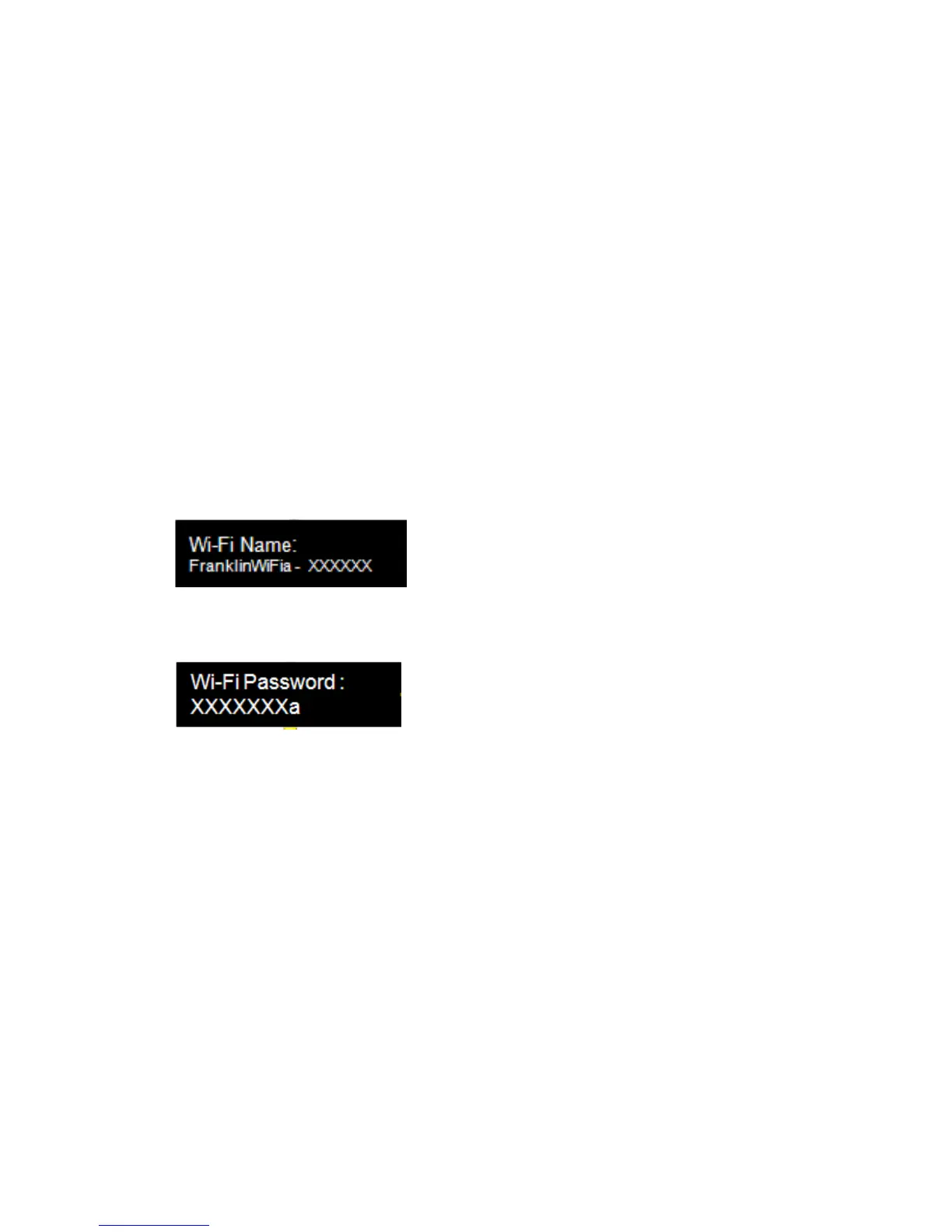
Display Wi-Fi Name: If ON is selected, the Wi-Fi Name will be displayed on your R871 device
display menu.
Display Wi-Fi Password: If ON is selected, the Wi-Fi password will be displayed on your R871
device display menu.
Save Changes : Select your desired setting from the Authentication, Wi-Fi password and/or
available Wi-Fi connections drop down menu(s) and click Save Changes whenever you make a
change to save the new setting.
Wi-Fi Settings Reset: Click the Reset button to reset all Wi-Fi settings to the default.



 To Next Page