EasyManua.ls Logo

CT Systems Wavetek 2500 - Page 13

Default Icon
56 pages
Print Icon
To Next Page IconTo Next Page
To Previous Page IconTo Previous Page
Loading...
2500-MANUAL
IRFl
~
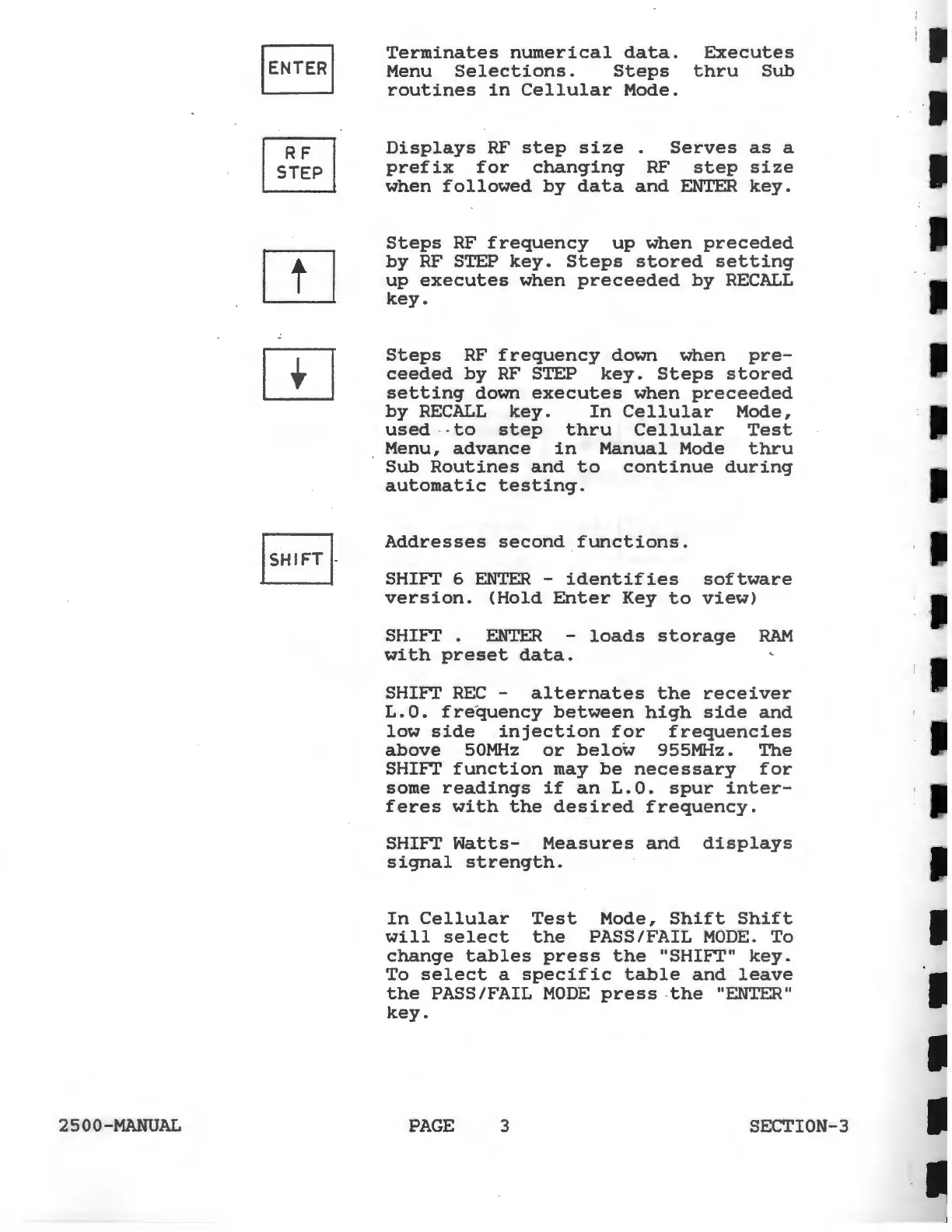
Terminates
numerical
data.
Executes
Menu
Selections.
Steps
thru
Sub
routines
in
Cellular
Mode.
Displays
RF
step
size
.
Serves
as
a
prefix
for
changing
RF
step
size
when
followed
by
data
and
ENTER
key.
Steps
RF
frequency
up
when
preceded
by
RF STEP
key.
Steps
stored
setting
up
executes
when
preceeded
by
RECALL
key.
Steps
RF
frequency
down
when
pre-
ceeded
by
RF
STEP
key.
Steps
stored
setting
down
executes
when
preceeded
by
RECALL
key.
In
Cellular
Mode,
used
-to
step
thru
Cellular
Test
Menu,
advance
in
Manual
Mode
thru
Sub
Routines
and
to
continue
during
automatic
testing.
Addresses
second
functions.
SHIFT
6
ENTER
-
identifies
software
version.
(Hold
Enter
Key
to
view)
SHIFT
.
ENTER
-
loads
storage
RAM
with
preset
data.
SHIFT
REC
-
alternates
the
receiver
L.
0.
fre
·
quency
between
high
side
and
low
side
injection
for
frequencies
above
50MHz
or
below
955MHz.
The
SHIFT
function
may
be
necessary
for
some
readings
if
an
L.O.
spur
inter-
feres
with
the
desired
frequency.
SHIFT
Watts-
Measures
and
displays
signal
strength.
In
Cellular
Test
Mode,
Shift
Shift
will
select
the
PASS/FAIL
MODE.
To
change
tables
press
the
"SHIFT"
key.
To
select
a
specific
table
and
leave
the
PASS/FAIL
MODE
press
-
the
"ENTER"
key.
PAGE
3 SECTION-3