EasyManua.ls Logo

CT Systems Wavetek 2500 - Page 14

Default Icon
56 pages
Print Icon
To Next Page IconTo Next Page
To Previous Page IconTo Previous Page
Loading...
2500-MANUAL
ISTOREI
RE-
1
CALL I
rsuB-1
~
fCllil
~
EJ·
EJ·
ORF
~
<ttERROR
c=J
9AF
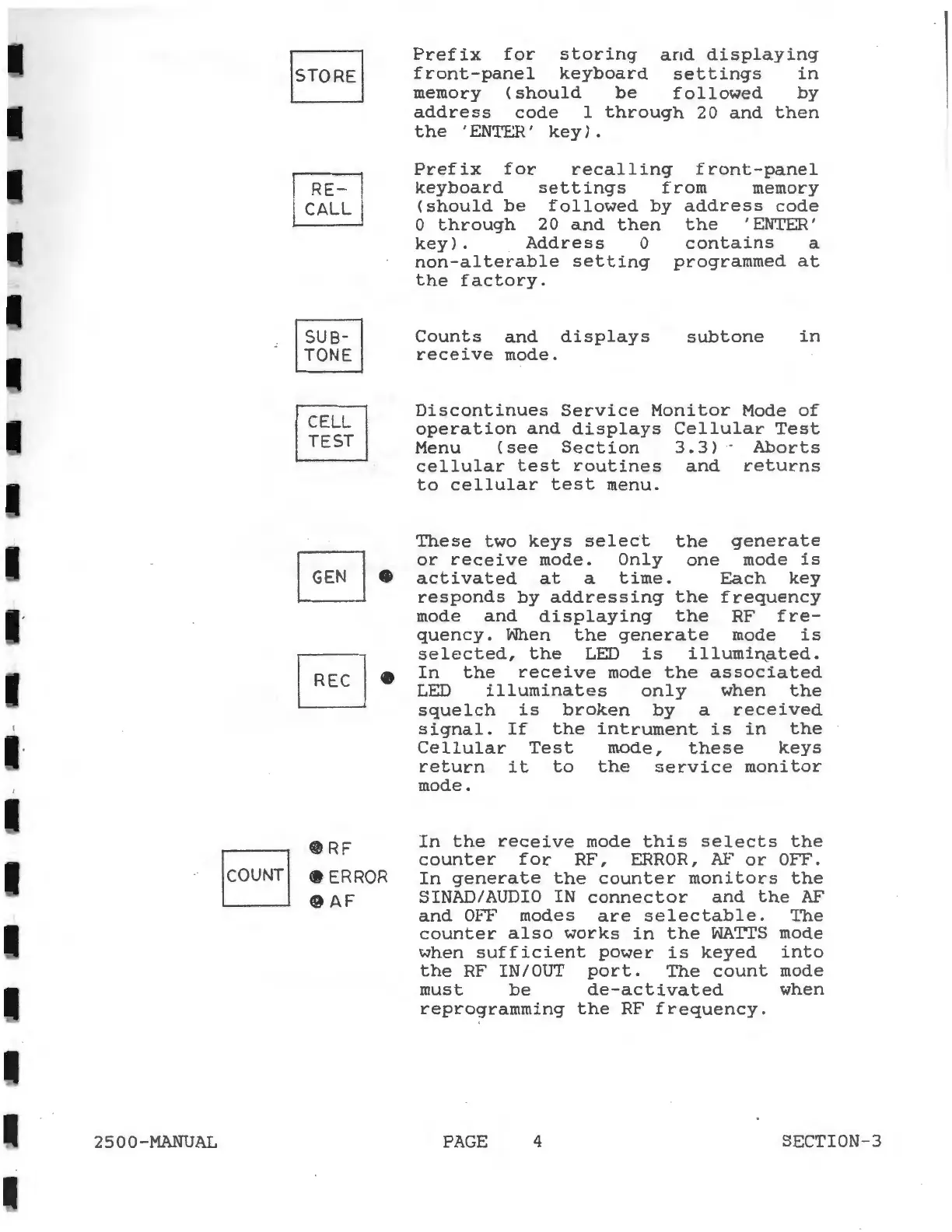
Prefix
for
storing
and
displaying
front-panel
keyboard
settings
in
memory
(should
be
followed
by
address
code
1
through
20
and
then
the
'ENTER'
key).
Prefix
for
recalling
front-panel
keyboard
settings
from
memory
(should
be
followed
by
address
code
0
through
20
and
then
the
'ENTER'
key).
Address
0
contains
a
non-alterable
setting
programmed
at
the
factory.
Counts
and
displays
receive
mode.
sub
tone
in
Discontinues
Service
Monitor
Mode
of
operation
and
displays
Cellular
Test
Menu
(see
Section
3.3)
Aborts
cellular
test
routines
and
returns
to
cellular
test
menu.
These
two
keys
select
the
generate
or
receive
mode.
Only
one
mode
is
activated
at
a
time.
Each
key
responds
by
addressing
the
frequency
mode
and
displaying
the
RF
fre-
quency.
When
the
generate
mode
is
selected,
the
LED
is
illumi~ated.
In
the
receive
mode
the
associated
LED
illuminates
only
when
the
squelch
is
broken
by
a
received
signal.
If
the
intrument
is
in
the
Cellular
Test
mode,
these
keys
return
it
to
the
service
monitor
mode.
In
the
receive
mode
this
selects
the
counter
for
RF,
ERROR,
AF
or
OFF.
In
generate
the
counter
monitors
the
SINAD/AUDIO IN
connector
and
the
AF
and
Orr~
modes
are
selectable.
1~e
counter
also
works
in
the
WATTS
mode
when
sufficient
power
is
keyed
into
the
RF
IN/OUT
port.
The
count
mode
must
be
de-activated
when
reprogramming
the
RF
frequency.
PAGE
4
SECTION-3