6.4 Install Serial Port Drivers
Step 1: Turn on the power of DIY I3, connect the printer with computer by USB
cable.
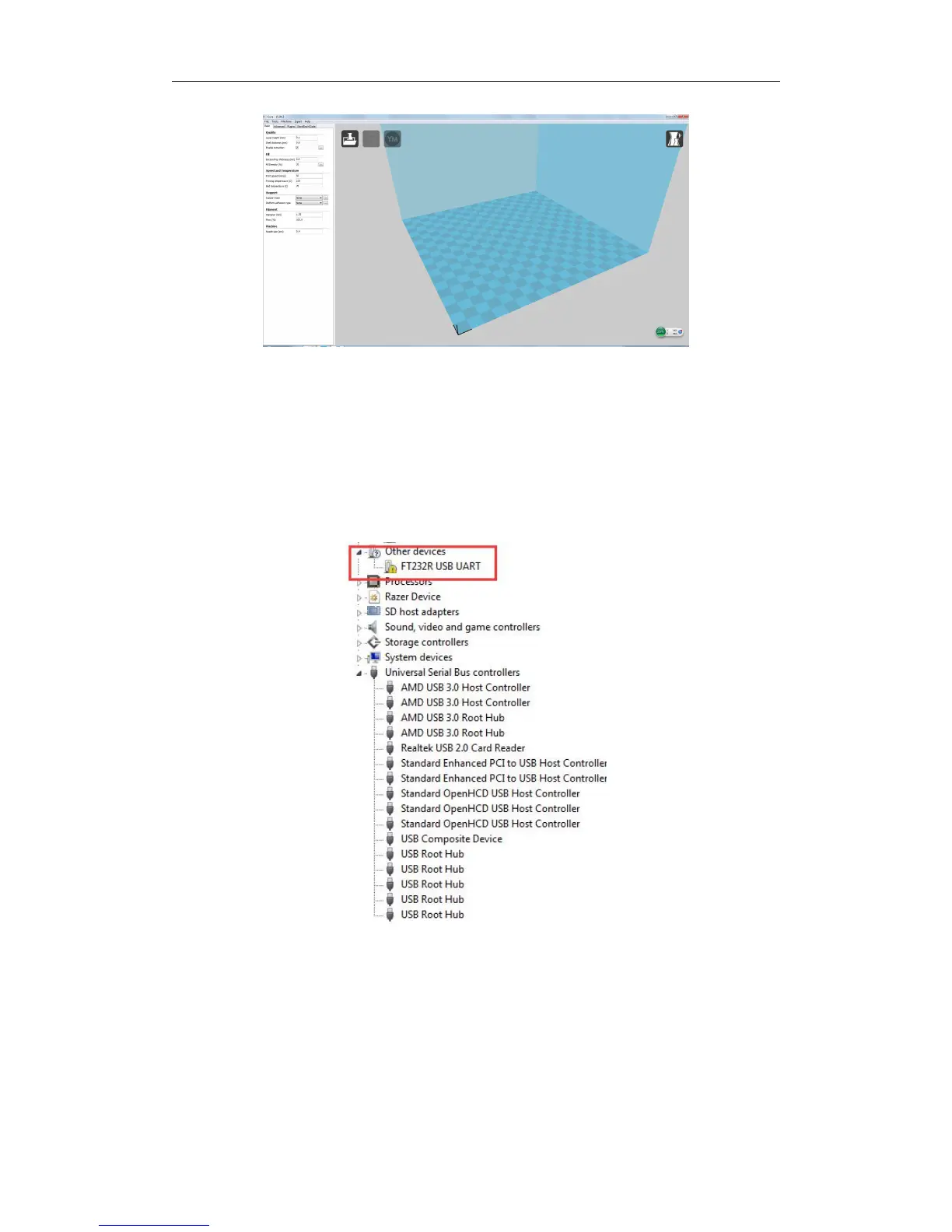
Step 2: Select the device manager by right clicking, if there is no suitable serial port
driver, a warning with yellow logo in the red box would be occurred as below.
Step 3: Right clicking “FT232R USB UART”, update the driver program, and
select “Browse my computer for driver software”.



 To Next Page