-03-
Step 1: Prepare
Step 2: Connect the camera to a 4G network.
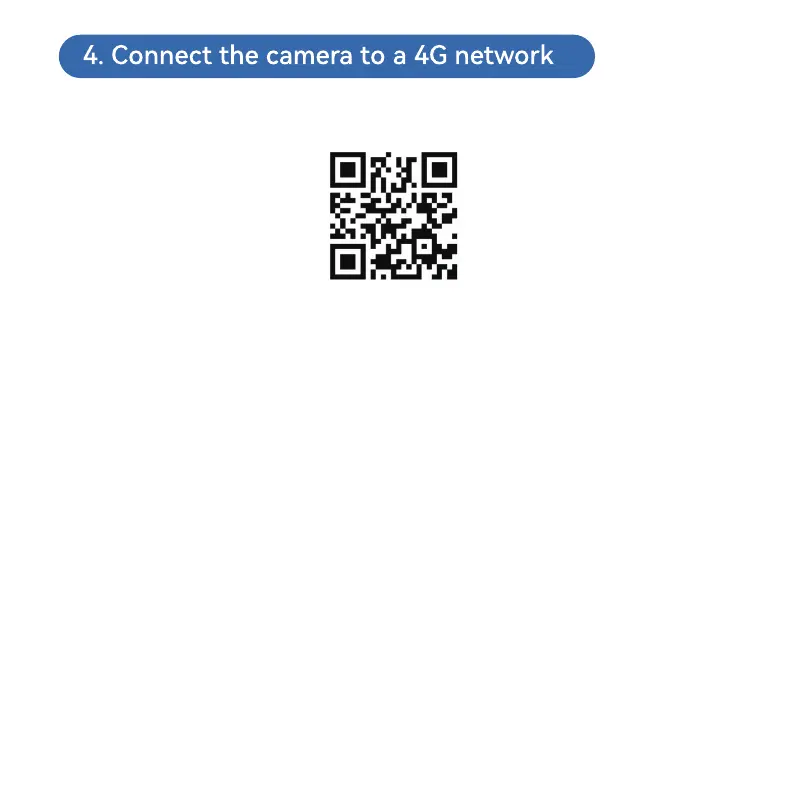
Video: Please scan the QR code below or click the link below.
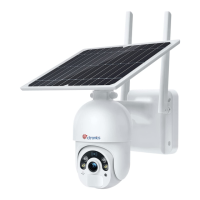
1.The camera has a built-in SIM card. Please turn on the camera's power
button and wait for it to start.
2.After power-on and self-testing, long press “Reset” for 8s and release it upon
a prompt tone that suggests successful reset. (Note: Conduct step 2 two
minutes after the reset.)
1. Open mobile application “Ctronics pro” on your mobile phone, click symbol
“+” (Fig. 3) and choose “4G camera” (Fig. 4) to enter the device adding (through
QR code scanning) interface .
2. Scan the QR code on the label on the camera (Fig. 5).
3.After successful identification of the QR code, click “Confirm add” to confirm
the adding operation (Fig. 6).
4.On the camera name setting interface, you can modify name of the camera
and click “confirm”. The camera will be added automatically (Fig. 7).
https://youtu.be/8MjiZIXAado



 To Next Page