Need help?
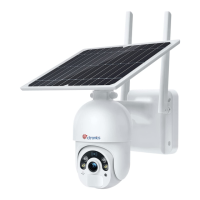
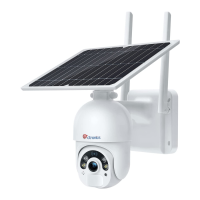
Do you have a question about the Ctronics CT-S20-4G and is the answer not in the manual?
Instructions for mounting the camera directly on a wall.
Instructions for installing the camera and solar panel apart.
Steps to download the "CTRONICS" mobile application.
Essential permissions required for full app functionality.
Activating and inserting the SIM card for network connectivity.
Inserting and using an SD card for storing video footage.
Using the camera's QR code to add it to the app.
Confirmation of successful pairing and online status.
Explains icons for battery, night vision, and recording.
Covers flip/mirror, intercom, and voice monitor features.
Manual video recording and snapshot functions.
Switching between HD and SD video clarity.
Configures recording only upon alarm detection.
Adjusts video quality and environment-specific parameters.
Options for planning and enabling SD card recordings.
Enabling push alerts for triggered events.
Adjusting PIR and humanoid detection for accuracy.
Setting the duration for alarm-triggered video recordings.
Option to save alarm videos to an FTP server.
Viewing videos from SD card or local storage.
How to play clips and transfer them to a mobile device.
Filtering recordings by specific date and time intervals.
Resolving issues with camera power and internet connection.
Tips for reducing false alarms and enhancing motion detection.
Troubleshooting mobile video viewing and time discrepancies.
Procedures for password recovery and SD card file deletion.
 General
| Brand | Ctronics |
|---|---|
| Model | CT-S20-4G |
| Category | Security Camera |
| Language | English |

 To Next Page