26
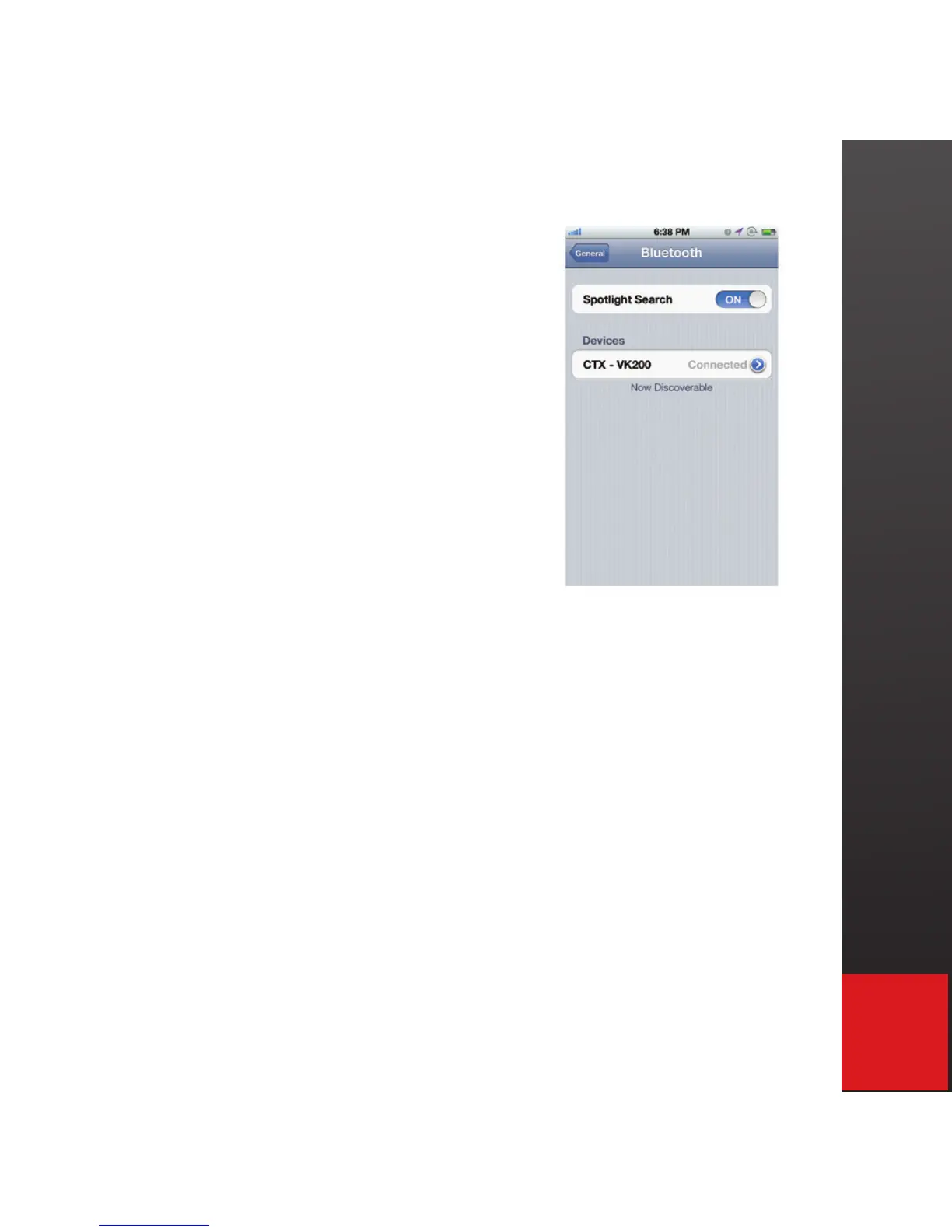
8. Successful pairing is indicated
by “Connected” message,
and the Bluetooth icon on the
VK200 screen becoming solid.
9. To turn off VK200 KEYFOB
®
, press power button.
10. With iPhone/iPad Bluetooth on, VK200 KEYFOB
®
will connect automatically upon power on once
connected.
11. When VK200 KEYFOB
®
is on after initial
connection, iPad/iPhone will connect automatically
when Bluetooth is turned on from host device.


 To Next Page