41
12. MENU SYSTEM
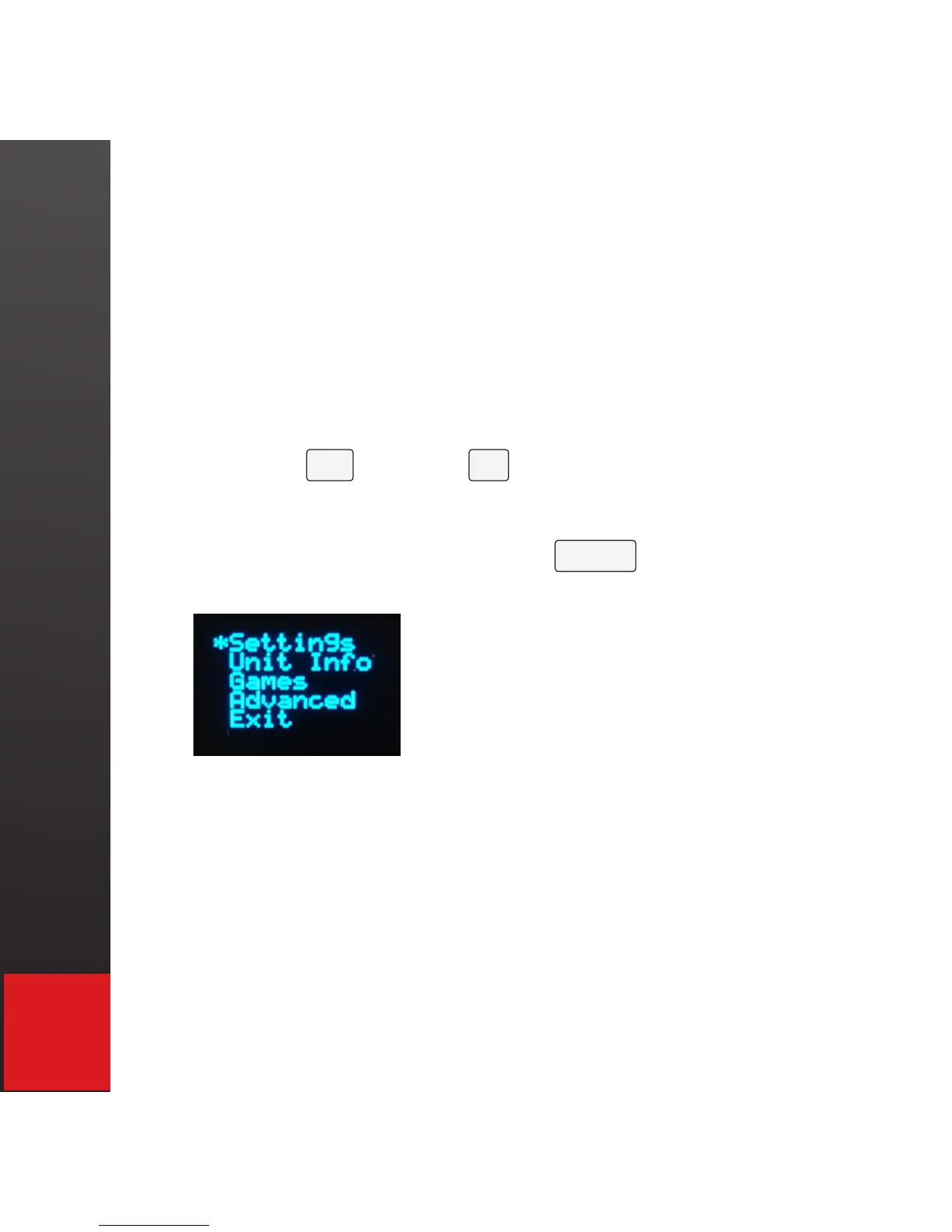
To access the VK200 KEYFOB
®
’s menu system there
are two methods:
1. Press and hold the power on/off button for 5
seconds when the device was previously off.
2. Press the Fn and the M key to enter menu mode.
Use the space bar or up and down arrow keys to scroll
through the selections and the enter key to choose a
selection.
Settings - Enters into a menu screen to adjust the
setting on the VK200 KEYFOB
®
including:
Volume - Adjusts the volume for the key presses
(see volume settings section of manual for more
details Pg. 34)


 To Next Page