28
Connecting to Android Devices
Some Android 2.0 and later devices support Bluetooth
HID and do not require installation of separate driver.
Please visit the website www.ctxtechnologies.com for
more information on Android drivers.
Pairing your Android device
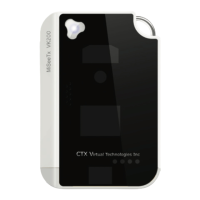
1. Turn on VK200 KEYFOB
®
by holding the power
button for 2 seconds. A blinking `Bluetooth icon
on the VK200 KEYFOB
®
screen indicates that the
device is ready to pair.
* The following pairing instruction is based on a
Samsung Galaxy running on Android operating
system. Other Android interfaces may vary
depending on the device manufacturer. Please refer
to Quick Guide for more information on pairing your
Android device.


 To Next Page