♦♦♦
12
English
Size
Geometry
Position
Status
Moire
Color
Language
Fran
ça
is
Espa
ño
l
Deutsch
Itallano
English
Size
Geometry
Position
Status
Moire
Color
Language
930 0
°K
60
70
60
1
2
3
4
:50
:100
F. COLOR:
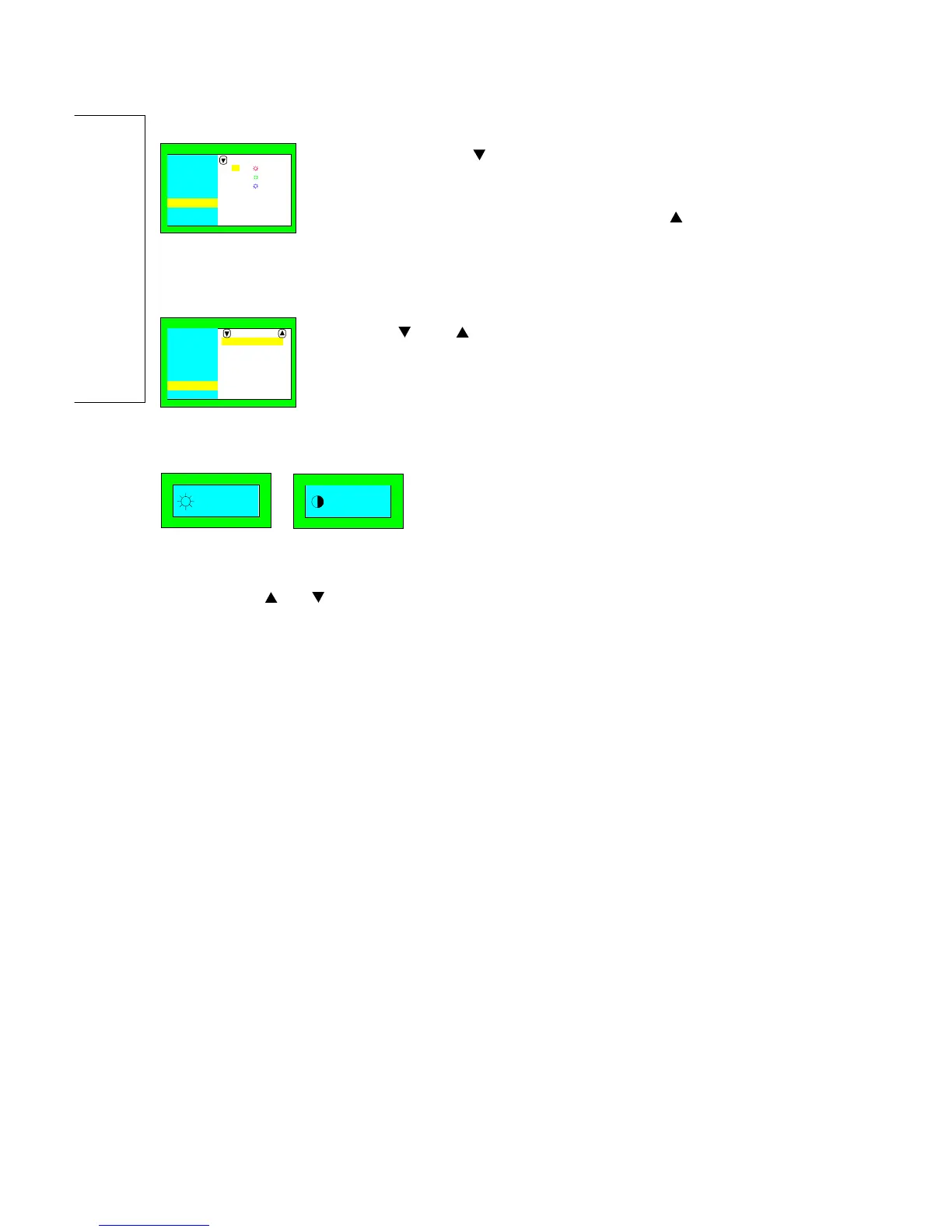
1. By pressing the " " key, you can select mode 1, 2,3 or 4. The
settings of mode 1,2 and 3 are fixed. Only the mode 4 can be
adjusted by the user.
2. To adjust the settings of mode 4, press the "
" key to select
of R/G/B gain contrast and the " + " key to increase or " – " to
decrease its density.
G. LANGUAGE:
Press the "
" or " " key to select the English, German, French,
Spanish or Italian.
When the OSD menu is switched off, proceed as follows to adjust the contrast or
brightness:
a. Press the '
' or ' ' key to increase or decrease the brightness level.
b. Press '+' or '–' key to increase or decrease the contrast level of the screen.
(2) Contrast/Brightness:
* All adjustments except color adjustment will be automatically saved.
* The menu block will disappear after 20 seconds without any data changing or press
"exit" key directly.


 To Next Page