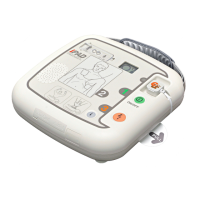
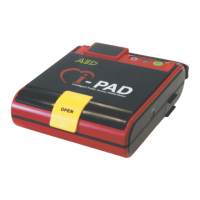
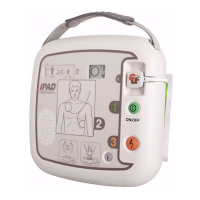
THE iPAD SP1
IN-USE QUICK REFERENCE GUIDE
1
Lift the switch cover and set the
adult/child selection switch to match
the casualty. If the casualty is a
child, there is no need to use
dierent electrode pads.
If it is suspected the casualty is a
child aged between 1 and 8 years
old, the dual adult/child pads can be
used with the switch selection set to
the child mode.
Press the green on/o button. The
voice prompts will start. Follow all
the voice prompts.
This will commence with a beep,
followed by:
1. “Call Emergency Medical
Services now”.
2. “Plug the pads connector in
to the device” (pads are usually
pre-connected so may not
be heard)
3. “Adult mode” or “paediatric
mode” (this is conrmation of
switch selection)
4. “follow the voice prompts calmly”
Use the AED starter kit to prepare
the casualty.
Voice prompts continue:
5. “Remove all clothing from
chest and stomach. Rip clothing
if necessary”
Prepare the device:
6. “Tear open the pads packaging”
Stick pads to casualty as illustrated
on the pads. The visual indicator on
the device will also light up to illus-
trate where to stick the pads.
Voice prompts continue:
7. “Look closely at the picture on
each pad”
8. “Peel o the pad labelled ‘1’ and
stick to the bare skin of the patient,
exactly as shown in the picture”
9. “Peel o the pad labelled ‘2’ and
stick to the bare skin of the patient,
exactly as shown in the picture”
10. “Press pads rmly to the skin of
the patient”
The device will light up to ensure
no-one is touching the casualty. The
iPAD SP1 will analyse the casualty’s
heart rhythm and assess if a shock
is necessary.
Voice prompts continue:
11. “Do not touch the patient”
12. “Analysing heart rhythm”
A nominated device of the
British Heart Foundation


 To Next Page