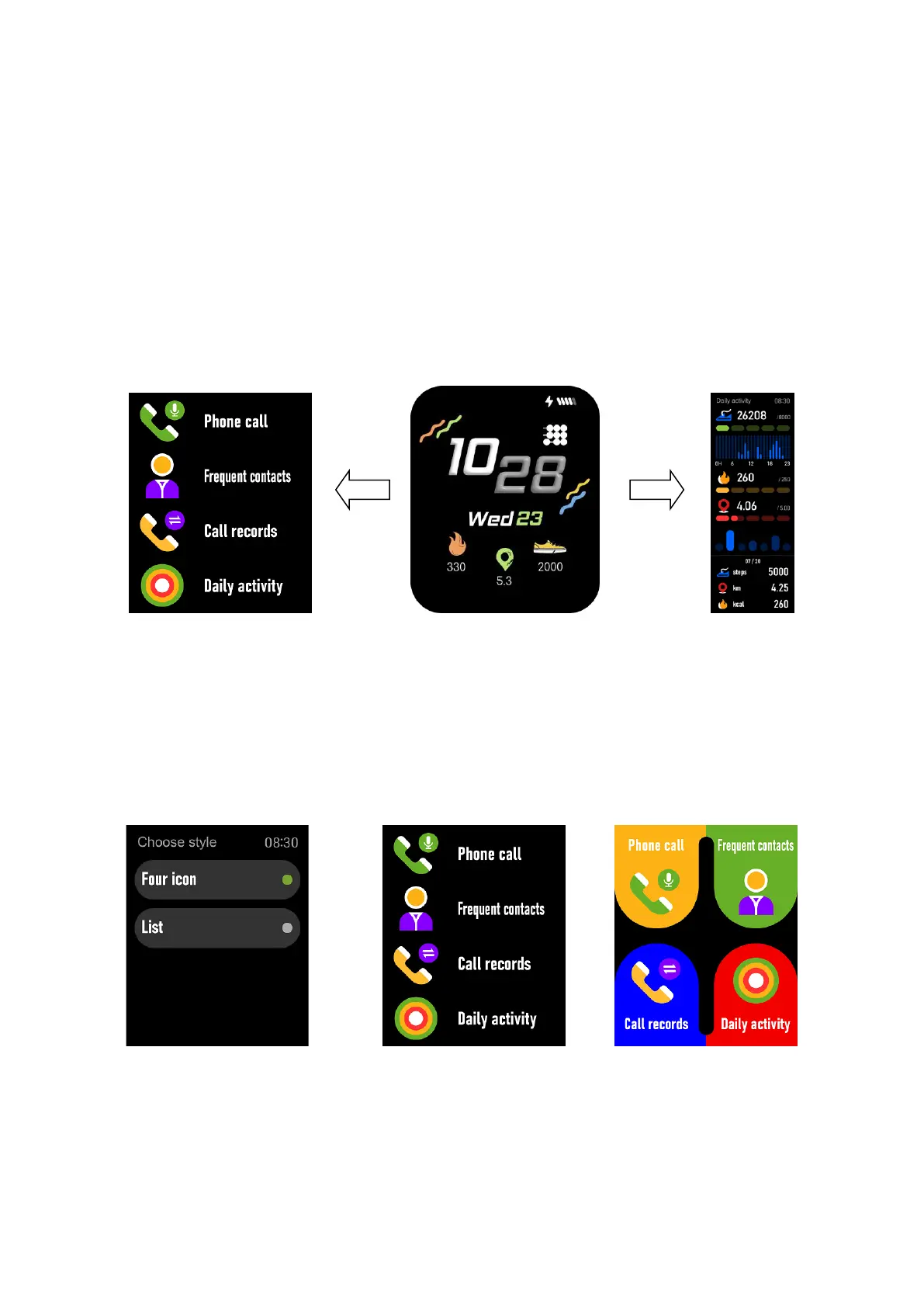
navigate the list, and tap a funcon to select.
(3) Swipe down: Display Baery, Bluetooth, Time, and shortcut icons.
(4) Swipe up: Storage informaon.
(5) Swipe to the le: Display Daily acvity, Heart rate, Blood oxygen,
Sleep, Weather, Music. Also you can add other
interface.
funcons in this
Se�ng Menu style method:
You can choose the Menu style from menu Seng > Choose style: or
List or Four icon.


 To Next Page