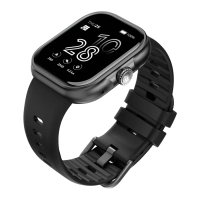
(3) Wake up screen: When the watch screen is Off status, you can
press the power button to wake up the screen. If the Gesture control
button is turned on in the App, you can also wake up the screen by
turning the wrist.
(4) Shutdown: Click the Setting icon, click System - Shut down, click
to shut down.
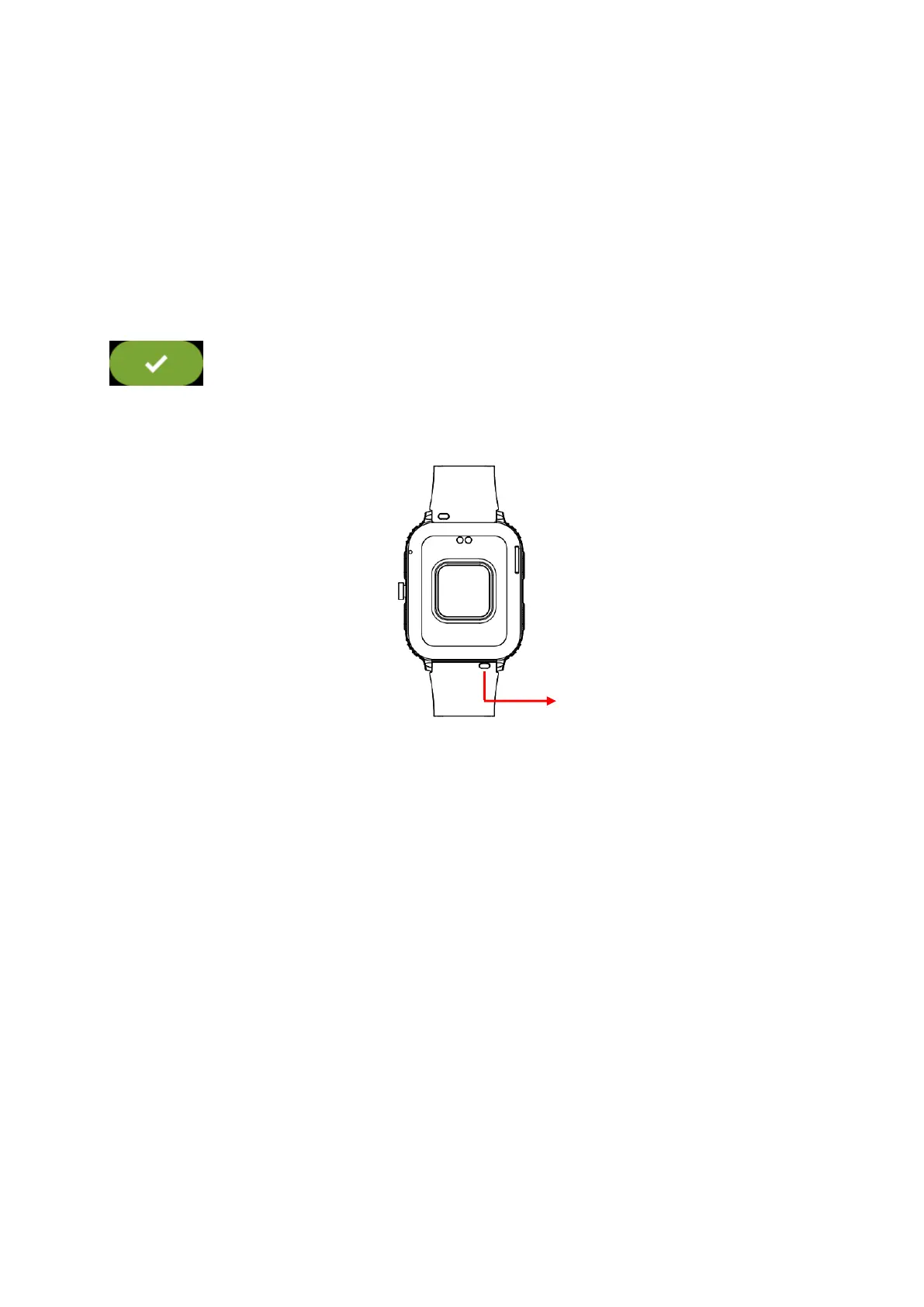
3.3 Replace the strap
Remove the strap from the watch by sliding the quick release on the
strap.
4. Products quick into
4.1 Products quick into
(1) Long press the main interface to enter the home page thumbnail.
You can view it left and right, click touch to switch the home page.
(2) Swipe to the right: Display function list -> Phone call, Frequent
contacts, Call records, Daily activity etc. Swipe up and down to


 To Next Page