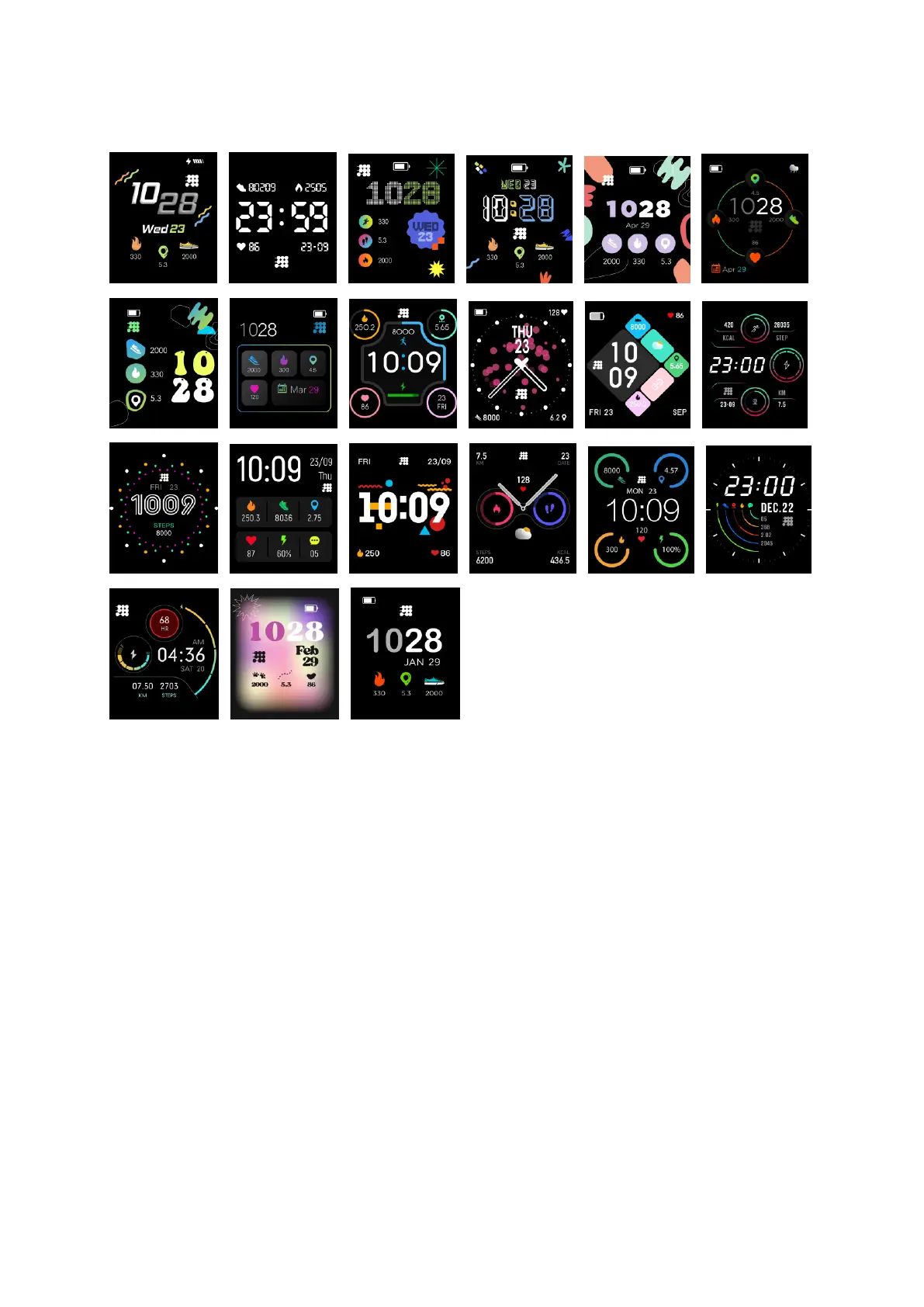
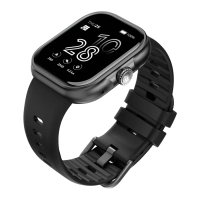
4.2 Watch Faces Display
Setting method:
When the watch in clock mode, please long press on the middle
screen and set different clock interfaces if you like.
4.3 Screen lock
Setting path: in the App "Personal center" - "Screen lock". You can
turn on the Screen lock or Games lock after setting a password to
prevent your children from overusing. If the Screen lock is turned on,
a password is required when using the watch.


 To Next Page