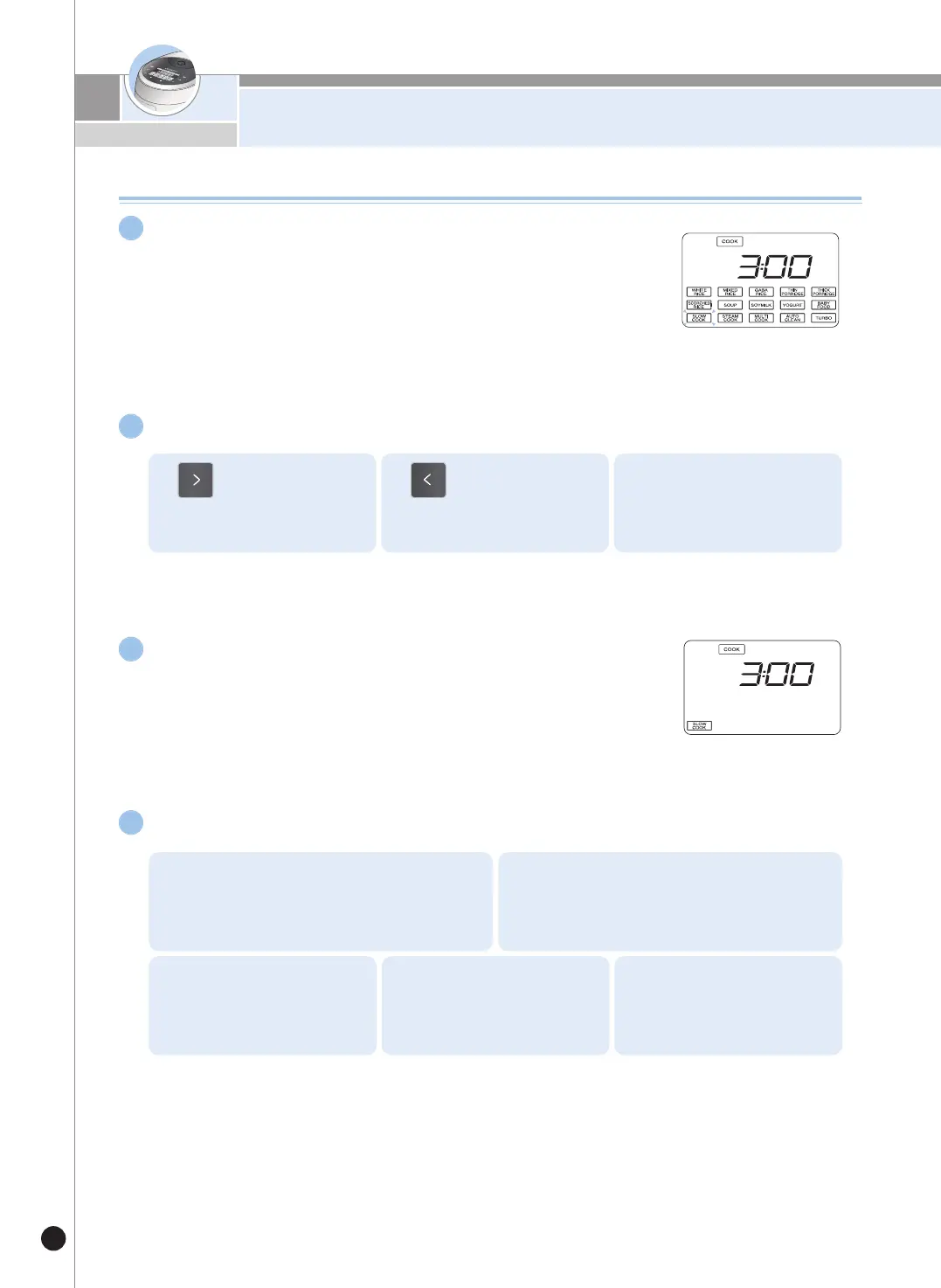
HOW TO USE “SLOW COOK”
32
Press the “SELECTION” button and select
SLOW COOK menu.
1
▶If the SLOW COOK mode is selected, the display will show
3 hours.
Press the “SELECTION” buttons to set the desired time.
2
1.
The right arrow button in-
creases the cooking time
for SLOW COOK in 10
minute increments.
The left arrow button de-
creases the cooking time
for SLOW COOK in 10
minutes increments.
2. 3.
The cooking time for SLOW
COOK can be set from 1 to
10 hours
Press the “COOK/TURBO” button to start the SLOW COOK
menu.
3
▶Once the SLOW COOK mode starts, the cooking status
and the remaining time is displayed.
How to preset the SLOW COOK function
4
1. Press the PRESET button.
2.
Select your desired menu and press the SET
button.
3.
Select your desired cooking
time and press the SET but-
ton.
4.
Set the time to complete
cooking by pressing the SE-
LECTION button.
5. Press the Preset or
COOK/TURBO button.



 To Next Page