Need help?
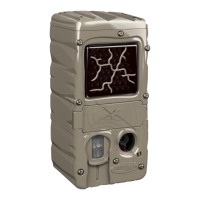
Do you have a question about the Cuddeback Seen and is the answer not in the manual?
Advises updating firmware for improved camera performance.
Details what is needed to operate the SEEN® camera and the "worm" indicator.
Step-by-step guide for inserting batteries and the SD card correctly.
Instructions for setting the camera's time, date, and year.
Recommendations for optimal camera placement and mounting on a tree.
How to test the camera's detection range and position it correctly.
Explains programming the camera for still images or videos and setting delay times.
How to check images, free space, and battery level without disarming the camera.
Explains how to enable/disable parameters or select Time Lapse mode.
 General
| Brand | Cuddeback |
|---|---|
| Model | Seen |
| Category | Digital Camera |
| Language | English |

 To Next Page