Silver & Blue Series Troubleshooter
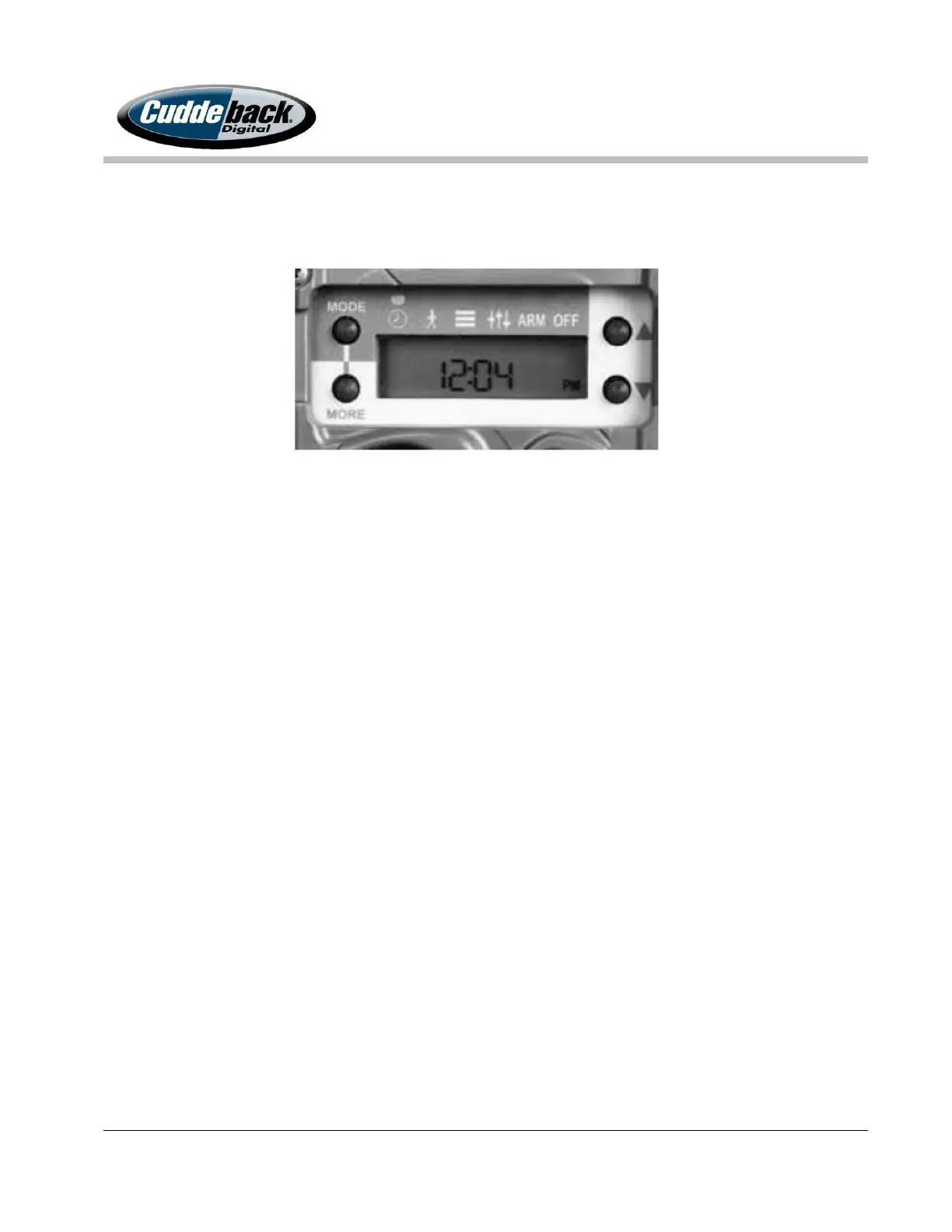
3. Once you have the time set, press the MORE button to get to the date.
4. Use the UP and DOWN arrows to change the date.
Correct Operation: The LCD displayed correctly and all the push buttons worked
correctly.
Possible Problem: The LCD did not display or the push buttons did not work. If
this test fails contact customer support at (920) 347-3810.
Test 3. Test Camera
The Silver & Blue Series offer a TEST feature on the camera that will test all the important steps
in one easy location. Press the MORE button to cycle through each of these tests on the camera.
1. Install an SD card into the camera.
2. Press the MODE button until TESTS appear on the LCD, (the little guy walking).
3. Press the MORE button and RESET will appear on the LCD. This will reset the camera
back to the factory defaults. You will want to run this test. Press the UP arrow twice
to reset the cameras settings.
4. BAT TEST: Press the UP arrow to start this test. This test will display a value from 10
(low) to 99 (high). If the number is below 50, we recommend you replace the
batteries.
5. FILTER: This test verifies the camera filter works correctly. Press UP arrow to test, you
should see the filter move inside the camera.
6. IR LED/STROBE: Use the following instructions to test the flash on the camera.



 To Next Page