Add Water – Add water indicator will illuminate and unit will continuously beep and shut
off when the reservoir needs to be filled. Fill reservoir and replace on oven. Wait 10
seconds and press the program button. Oven will automatically resume at the point
cooking cycle was interrupted. A full reservoir should run for approximately 2 hours on a
steam function.
Toast Shade – Scroll from 1 to 7 for light to dark toast. Always use crumb tray when
toasting.
Active heating elements – Illuminate which heating elements are on for individual
cooking functions.
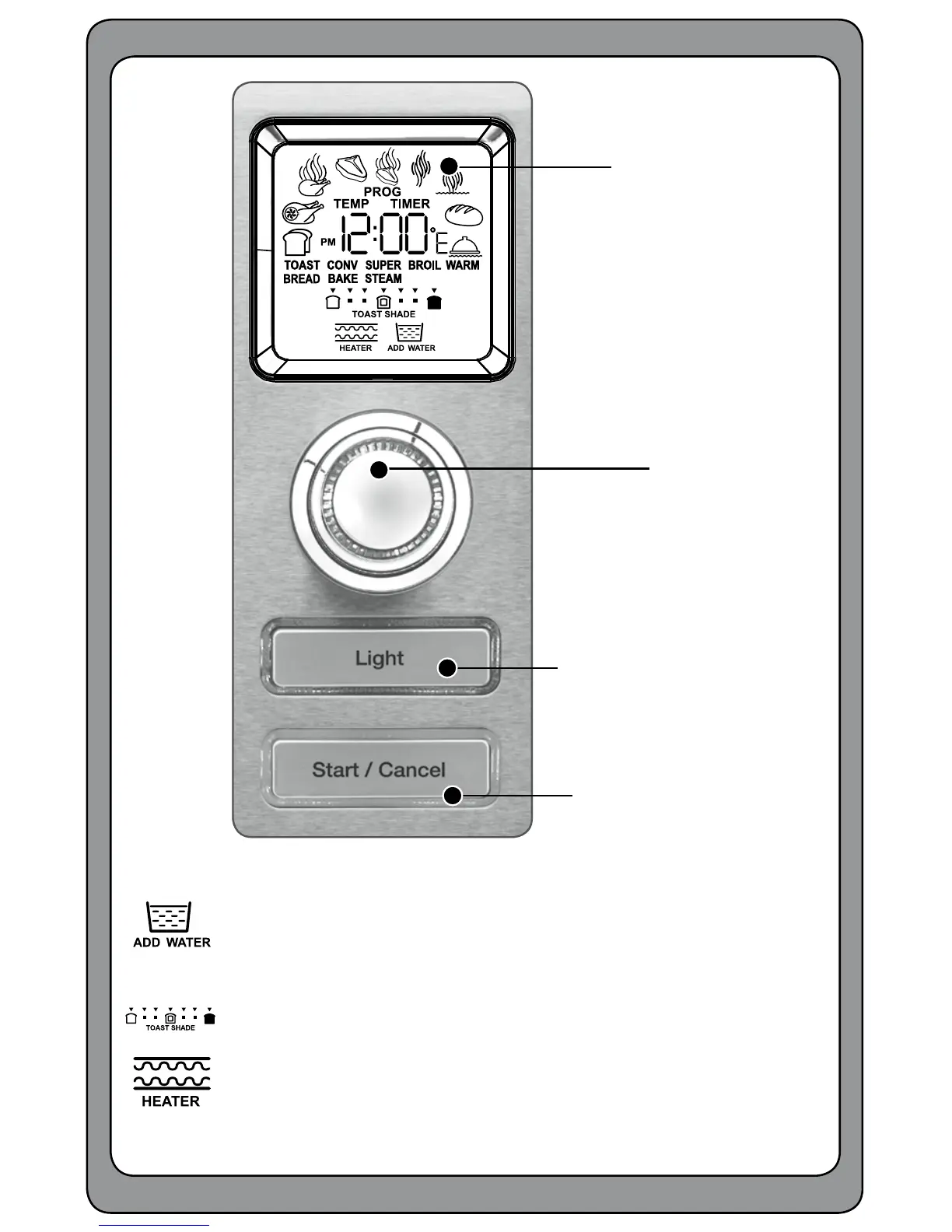
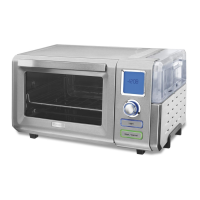
Getting to Know Your Control Panel
Oven Light Button
Start/Stop Button
LCD Display
lets you view the
9 cooking functions, time,
temperature, toast shade,
active heating elements,
and add water alert.
When oven is plugged in and
not in use, clock will be
displayed.
Program
Button/Dial
Use to select cook
function, change preset
time or temperature, and
choose toast shade.


 To Next Page