EasyManua.ls Logo

Culer XC3000 - User Manual

Default Icon
8 pages
Print Icon
To Next Page IconTo Next Page
Loading...
1
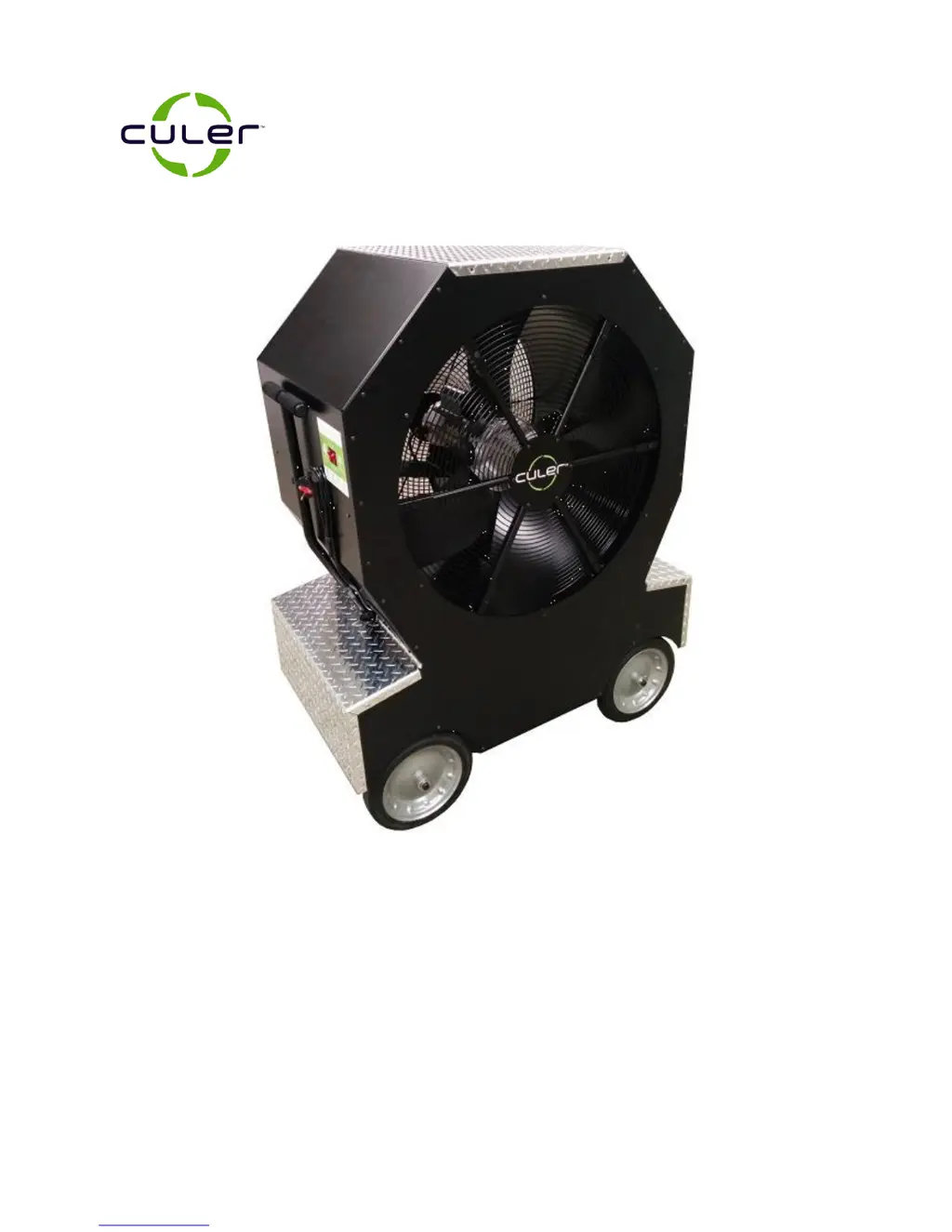
30” Professional Cooling Unit
Model Number: XC3000
Owner’s Manual
READ AND SAVE THESE INSTRUCTIONS
CAUTION:
Before using this product, read this manual and follow all safety rules and operating instructions.
Failure to comply with instructions could result in personal injury and/or property damage.
IMPORTANT:
For replacement parts or operating questions go to www.culer.com or call 1-800-320-6478.

Questions and Answers

  • T
    Tricia ChenAug 2, 2025
    Why is my Culer XC3000 Freezer not cooling?
    • C
      crystalgarciaAug 2, 2025
      If your Culer Freezer isn't cooling, first ensure the fan switch is in the ON position. Also, check that the cooling switch is also in the ON position. If the water tank is empty, fill it with clean water. Finally, a clogged water filter can prevent cooling, so consider ordering and replacing the water filter.
  • Y
    Yolanda HammondAug 12, 2025
    How to fix a Culer Freezer fan that's not running?
    • S
      Sheila DanielsAug 12, 2025
      If the fan in your Culer Freezer isn't running, make sure the power cord is properly connected. Check that the fan switch is in the ON position. Also, check if the product GFCI has tripped and press RESET. Finally, verify the outlet GFCI hasn't tripped and reset it if necessary.
  • W
    webbsamuelAug 22, 2025
    What to do if water is streaming from the nozzle of my Culer XC3000 Freezer?
    • T
      Tammy SmithAug 22, 2025
      If water is streaming from the nozzle of your Culer Freezer, it might be due to low airflow. Try running just the fan for 30 seconds before turning the cooling switch to the ON position. Additionally, the air filter may need replacement, so consider ordering a new one. A foreign object in the nozzle can also cause this issue, so consider ordering a replacement nozzle.

Summary

Safety Warnings

Understanding Safety Terminology

Explains safety terminology like DANGER, WARNING, and CAUTION.

General Safety Precautions

Provides essential safety guidelines for operating the cooling unit.

Carton Contents

General Assembly Instructions

Operating Instructions

Before Starting

Important notes and preparation steps before operating the appliance.

Testing the GFCI

Steps to test the Ground Fault Circuit Interrupter (GFCI) for safety.

Fan Operation

Instructions on how to turn the fan on and off.

Maintenance

Customer Responsibilities

Outlines user responsibilities for maintenance.

Replacing Water Filter

Detailed steps for replacing the water filter.

Storage

Storage Precautions

Guidelines for storing the product safely and properly.

Emptying Water Tank

Instructions on how to drain the water tank.

Conditioning Water Tank

Procedures for conditioning the water tank for optimal performance.

Troubleshooting

Parts Reorder List

Warranty

Culer XC3000 Specifications

General IconGeneral
BrandCuler
ModelXC3000
CategoryFreezer
LanguageEnglish