4
NO ASSEMBLY REQUIRED!
1. Fill your new Industrial Cooling Unit with clean water
2. Connect the unit’s power cord to a 120V / 60Hz rated outlet.
3. You are now ready to go!
IMPORTANT – BEFORE STARTING:
Read this owner’s manual in full before operating this product. This product is
designed to operate with clean water.
Place the product on level ground. Keep children away from the product. Do not insert anything into the
fan guards. If moving the product to a different location, turn it OFF and unplug it from the outlet.
! Clean and clear any dirt or dust from the fan to prevent water contamination.
Testing the GFCI
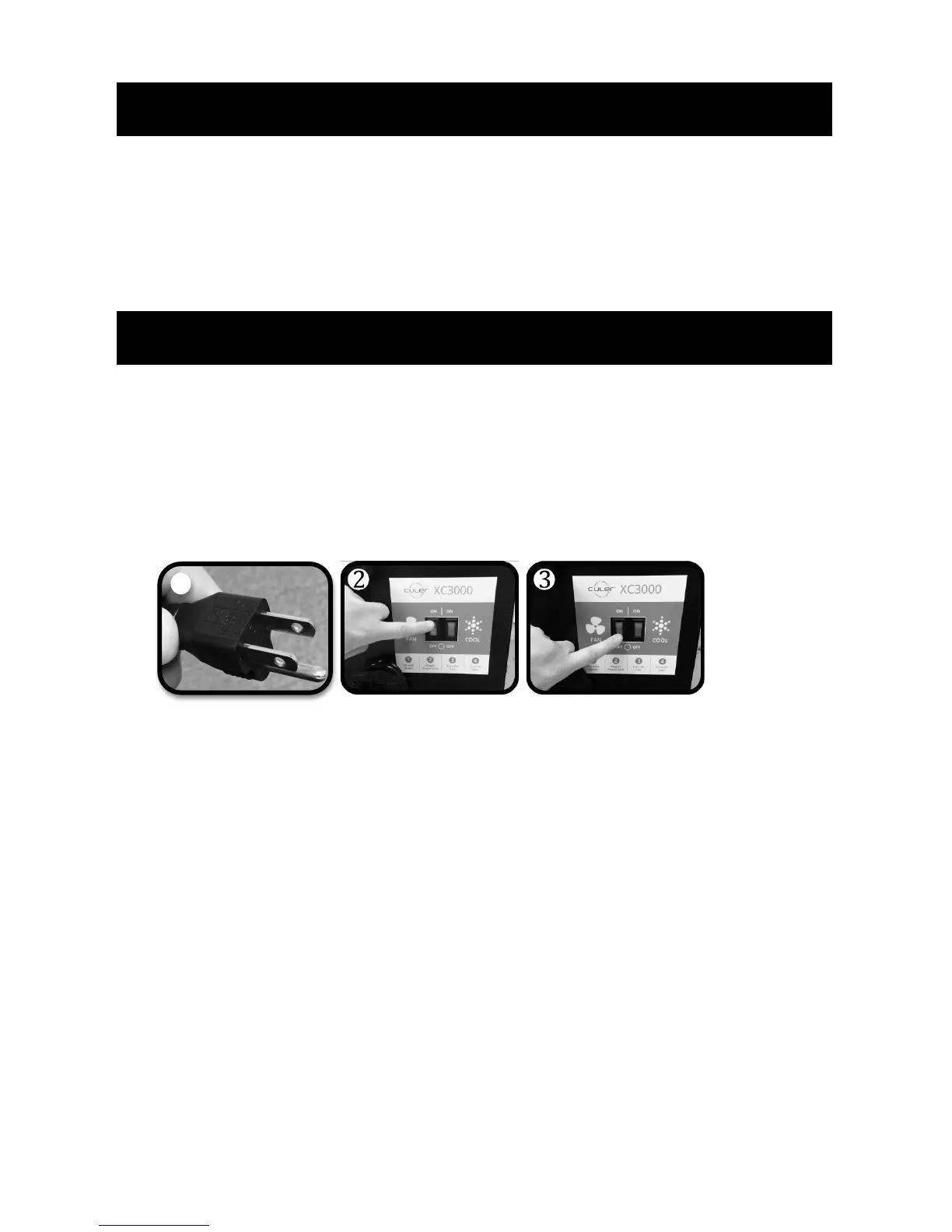
1. Connect the power cord to a 120V / 60Hz rated outlet (fig. 1). The indicator light on the GFCI will
light up.
2. Turn the fan on by pressing the fan switch to the ON position (fig. 2).
3. Press the TEST button on the GFCI. The indicator light will go out and the unit will stop working.
4. Press the RESET button on the GFCI. The indicator light will turn on and the unit will power on.
Fan ON
1. Press the fan switch to the ON position (fig. 2).
Fan OFF
1. Press the fan switch to the OFF position (fig. 3).



 To Next Page