08
To select the right speed for each job, use
a practice piece of material.
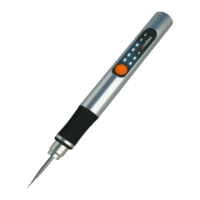
The tool is switched on by pushing the
green button on the display
TO TURN THE TOOL “ON”, push the
button one time.
TO TURN THE TOOL “OFF” push the
button four times. It will go from the
highest rotary speed, until the lowest,
and it will finally turn off.
VARIABLE SPEED SELECTOR
Your engraving pen is equipped with a
three-speed configuration to allow you
to determine the proper speed, based on
the material being worked and the type
of accessory being used.
The operating speed can be changed by
the green button on the display. To
change the rotary speed, just push the
green button (from one to three times
according to the speed you require). The
display will show lights depending on
which speed is working
First light (highest rotary speed):
18000-25000r/min.
Second light (medium rotary speed):
15000-18000rpm/min
Third light (lowest rotary speed):
5000-15000rpm/min
HIGH-PERFORMANCE MOTOR
Your engraving pen is equipped with a
high-performance rotary tool motor.
This motor expands the versatility of the
rotary tool by driving additional
attachments.
BATTERY CHARGE CONDITION
INDICATOR LIGHTS
Your engraving pen is equipped with
charge condition indicator lights. The
indicator lights shows the charge
condition of the battery.
3 of 3 Solid LED’s = 67-100%
2 of 3 Solid LED’s = 34-66%
1 of 3 Solid LED’s = 16-33%
1 of 3 Flashing LED’s = 0-15%
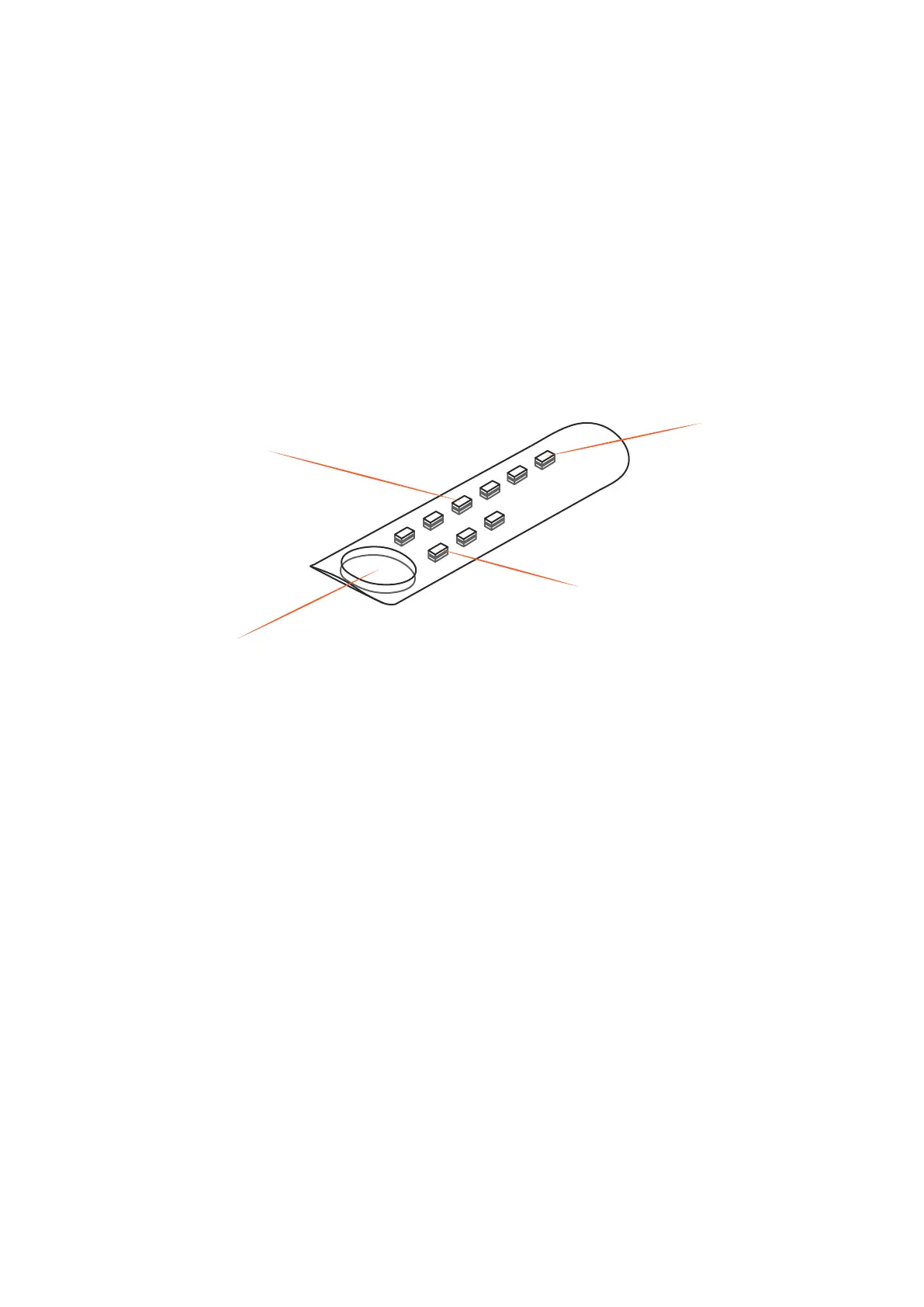
DISPLAY
Power button/ Gear adjustment buttom
Gear indicator light
Overload Pressure
Prompt Light
Battery charge condition
OPERATING SPEEDS
3 “side to side” lights – battery charge is
too low to run tool.Recharge the battery.
1 red light – battery is too hot for use.
Turn tool off and let the battery
cooldown.
Your tool is equipped with advanced
electronics that protect the Li-Ion cells in
the battery from damage due to excessi-
ve operating temperature and/or current
draw. If the warning symbol illuminates
red and/or the tool stops working during
heavy use, this most likely indicates that
the Li-Ion cells are near their maximum
operating temperature, and the battery
pack should either be changed or
allowed to cool to ambient temperature
before continuing use. If the tool auto-
matically turns off due to overload condi-
tions, the switch must be turned off for a
few seconds to allow the circuit to reset
before continuing use.


 To Next Page
 Loading...