8
EnviR - The SmartR Monitor
• Check the display to ensure that it is reading the signal and that watts are being displayed.
• Re-attach the protective cover and close the panel.
• Turn On the Main Breaker.
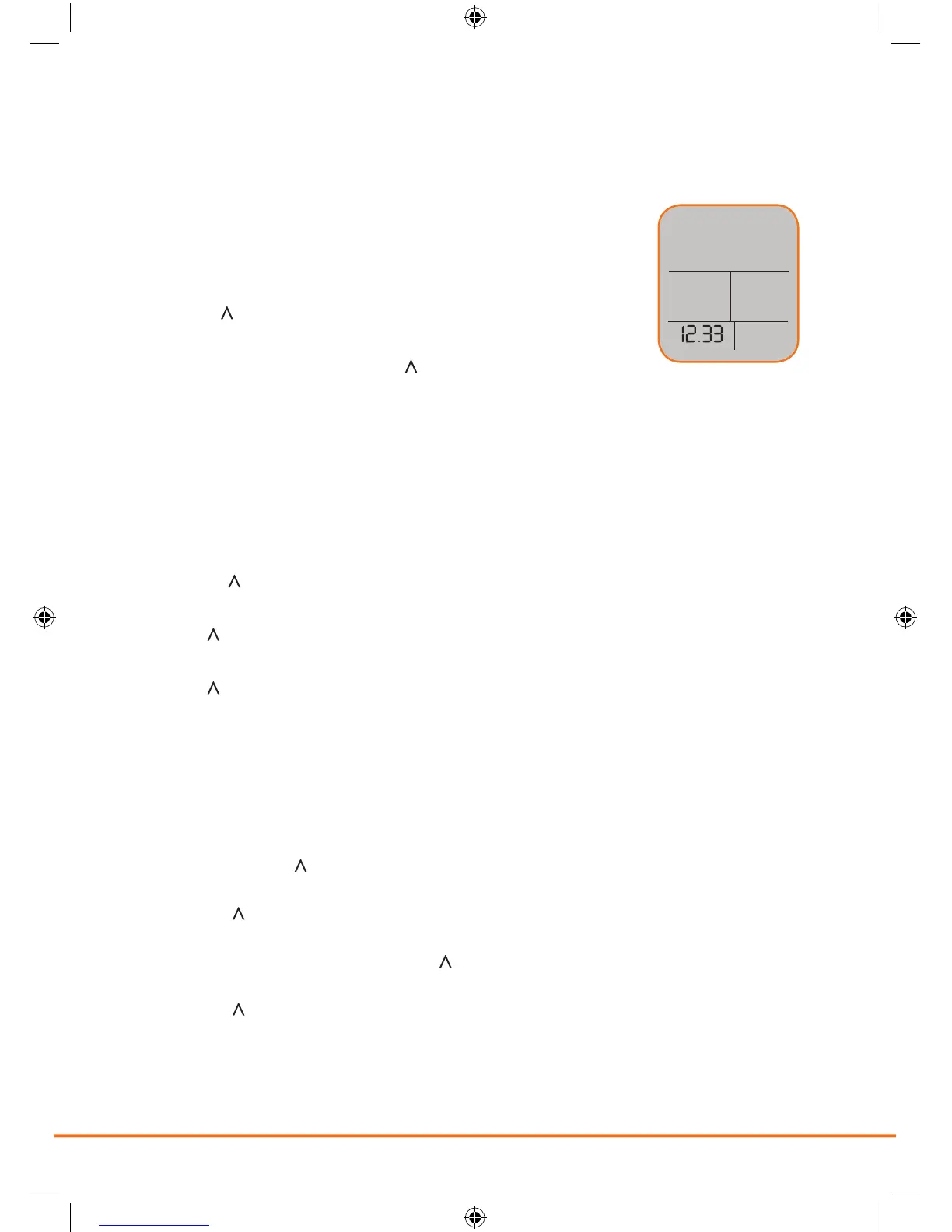
• Press the OK button for three seconds.
• The screen will clear and clock hours will ash.
• Use the UP (
) or DOWN (V) buttons to adjust the hour.
• Once the correct hour is selected press OK button.
• The minutes will now ash. Use the UP (
) or DOWN (V) buttons to adjust
the minutes. Once the correct minute has been selected press the OK button.
The unit has been programmed with a default rate of $0.1396 cents per kWh. To nd out your
local rate, contact your local utility or review your last utility bill and divide the total bill amount /
KWhs used. To adjust your rate:
• Push the UP ( ) button and hold for three seconds.
• Press OK. The display will ash normal price.
• Press UP (
) or DOWN (V) buttons to adjust price on rst 2 digits.
• Press OK. The display will ash last 2 digits.
• Press UP (
) or DOWN (V) buttons to adjust price on last 2 digits.
• Press OK.
The EnviR can be programmed to calculate different KWh unit rates for electricity consumed at different
times of day. In order to program different rates:
• Press and hold the UP (
) and DOWN (V) buttons together until the LED ashes. Then release both
buttons.
• Using the UP (
) and DOWN (V) buttons you can select your low cost rate. Press the OK button to
conrm rate.—If you do not select a different rate, then you will not see the time section.
• You will see the clock ashing. Using the UP (
) and DOWN (V) buttons you can now set the time that
your low rate starts. Press the OK button to conrm.
• Using the UP (
) and DOWN (V) buttons you can set the time your normal rate starts.
Press the OK button to conrm.
• The display will resume normal operation.


 To Next Page