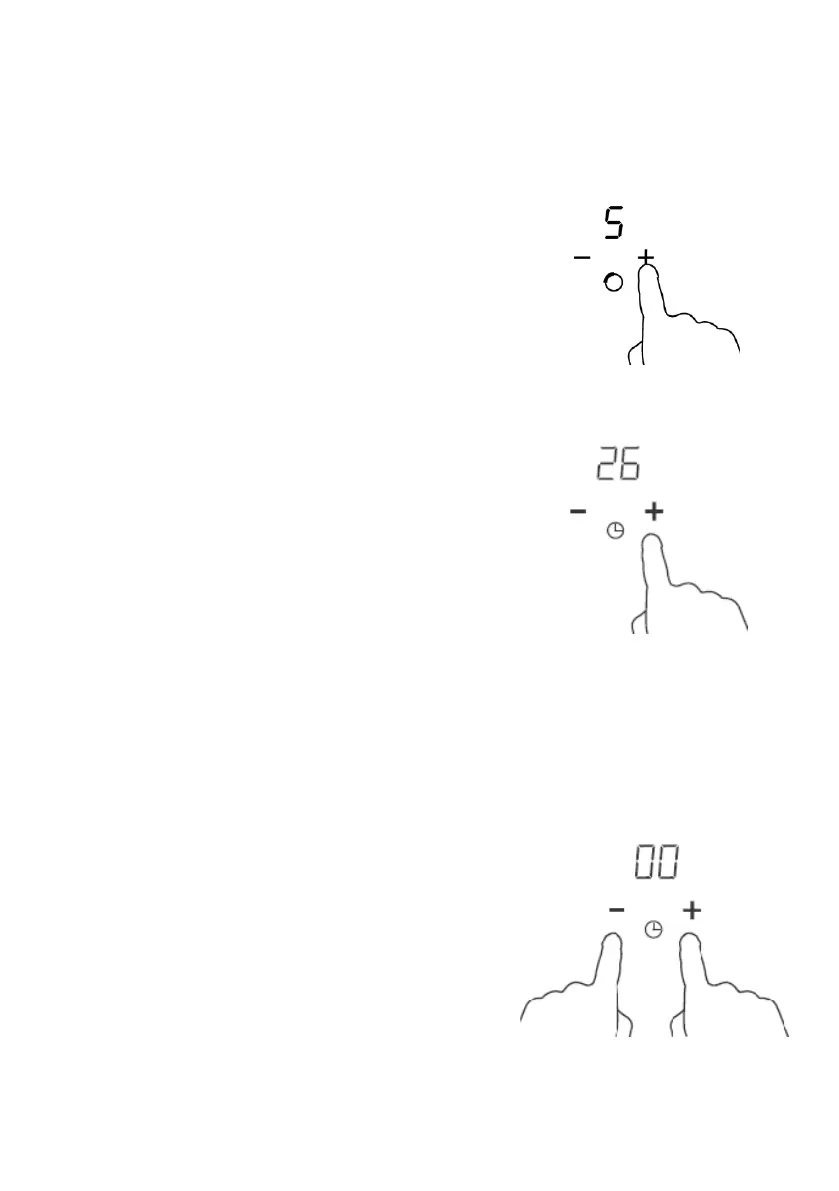
Setting the timer to turn one cooking zone off
Cooking zones set for this feature will:
1. Touch the”-“ or ”+” of the corresponding cooking
zone you want to set the timer for.
2. Set the time by touching the or control of the
timer
Hint: Touch the “-“ or “+” control of the timer
once will decrease or increase by 1 minute.
Touch and hold the ”-“ or “+”control of the timer
will decrease or increase by 10 minutes.
If the setting time exceeds 99 minutes, the timer
will automatically return to 00 minute.
3.Touching the ”-“ and “+” together, the timer is
cancelled, and thewill show ”00”in the minute
display.



 To Next Page