EasyManua.ls Logo

CVS BG 17 - User Manual

CVS BG 17
28 pages
Print Icon
To Next Page IconTo Next Page
Loading...
ENGLISH
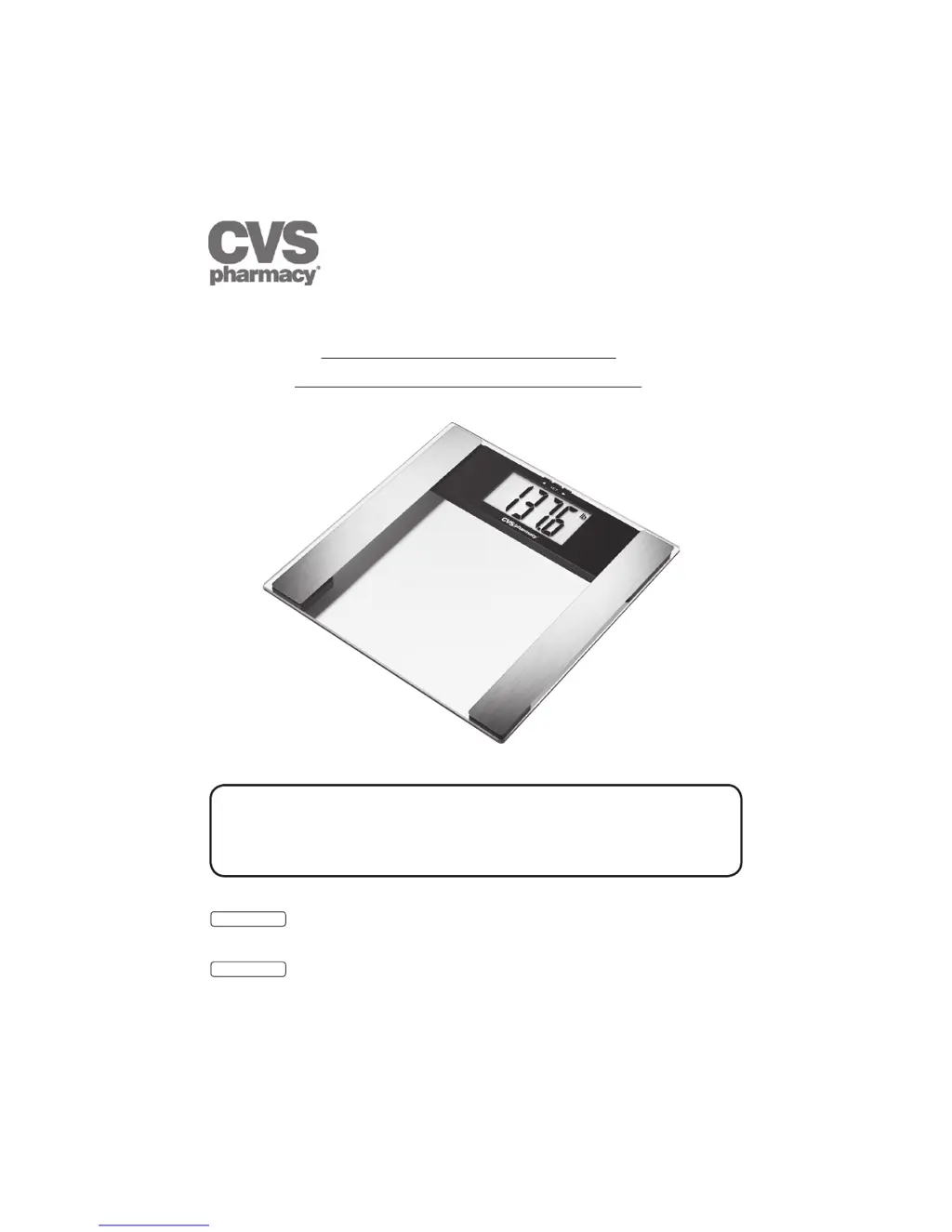
4 in 1 Digital Body Scale
Instruction manual ................................................2
ESPANOL
Báscula corporal digital 4 en 1
Manual de instrucciones ....................................14
READ THIS MANUAL COMPLETELY AND
CAREFULLY BEFORE USING THIS PRODUCT
Keep this manual in a safe location for future reference
Operating and Safety Instructions
Instrucciones de operación y seguridad
Model BG 17
Item # 843894
Modelo BG17
Número de artículo # 843894

Questions and Answers

  • M
    Melissa OlsonAug 1, 2025
    What to do if my CVS Scales show FFFF?
    • T
      tiffany99Aug 1, 2025
      If your CVS scale displays 'FFFF', it means the maximum weight capacity of 330 lb (150 kg, 24 st) has been exceeded. To resolve this, ensure that you are weighing only up to the maximum permissible weight.
  • T
    tarawhiteAug 7, 2025
    What does 'Lo' mean on my CVS BG 17 and how to fix it?
    • L
      Logan BeckAug 7, 2025
      If your CVS scale shows 'Lo', it indicates low power. To fix this, replace the battery.
  • C
    Christina DennisAug 13, 2025
    Why does my CVS BG 17 show 'Err' and how can I fix it?
    • J
      Joshua MccannAug 13, 2025
      If your CVS scale displays 'Err', it could be due to several reasons: * High electrical resistance between your feet and the scale. * Fat percentage outside the measurable range. * Water percentage outside the measurable range. * Muscle percentage outside the measurable range. To solve this, repeat the measurement barefoot and consider removing calluses from the soles of your feet.
  • Z
    Zachary FreemanAug 19, 2025
    What to do if my CVS Scales show unrealistic results?
    • C
      Curtis ParrishSep 12, 2025
      If your CVS Scales show unrealistic results, wait for the scale to switch off automatically, then repeat the measurement. Make sure to place the scale on a level floor, avoiding carpets, and remain still during the weighing process.
  • R
    Ralph JacksonAug 25, 2025
    Why my CVS BG 17 have no display?
    • G
      Gabriel BowersAug 26, 2025
      If your CVS Scales have no display, it could be due to an empty battery, incorrect battery insertion, or a broken scale.

Summary

Operating and Safety Instructions

1. Important Safety Notes

General Warnings

Crucial warnings regarding medical devices, children, packaging, and battery safety.

4. The Measuring Principle

5. Batteries

Battery Warnings

Safety warnings related to handling, swallowing, and leaking batteries.

Battery Cautions

Precautions to take if a battery leaks.

Battery Notices

Notices regarding battery type, charging, and disposal.

6. Operation

Cautionary Advice

Cautions regarding home use, measurement tolerances, and handling the unit.

Notices

Notices on scale handling, cleaning, battery usage, and electromagnetic interference.

Measuring Weight, Body Fat, Body Water, and Muscle Percentage

Steps to store personal parameters and perform body composition measurements.

8. Evaluation of Results

Warning: Medical Diagnosis Disclaimer

Disclaimer that the product is not for medical diagnosis and advises consulting a physician.

10. Troubleshooting

Error Displays and Corrections

Lists common error messages and their corresponding solutions for the scale.

11. Cleaning, Maintenance and Disposal

CVS BG 17 Specifications

General IconGeneral
BrandCVS
ModelBG 17
CategoryScales
LanguageEnglish

Related product manuals