15
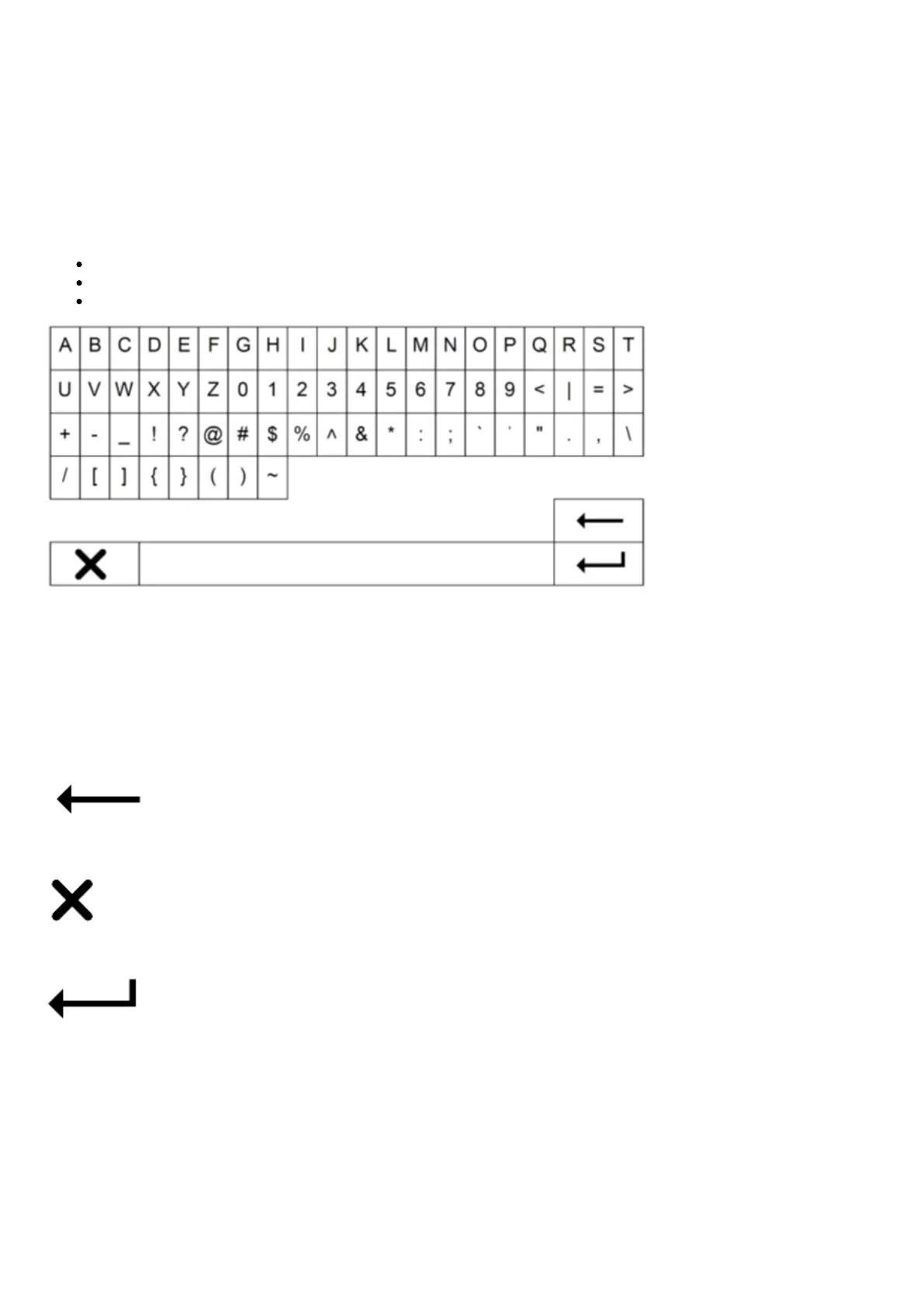
Character entry
This is typically for:
Entering Wi-Fi network password.
Searching for radio stations and content on UPnP servers.
Customising the CXN (V2) name and digital input names.
To enter text:
1. Use the front panel rotary encoder to scroll through each symbol.
2. Using the IR remote control, you can navigate horizontally and vertically.
3. Press Enter on the front panel or remote control to select the highlighted character.
Deletes the last character selected.
Cancels the text entry process.
Submits the entered text.


 To Next Page