25
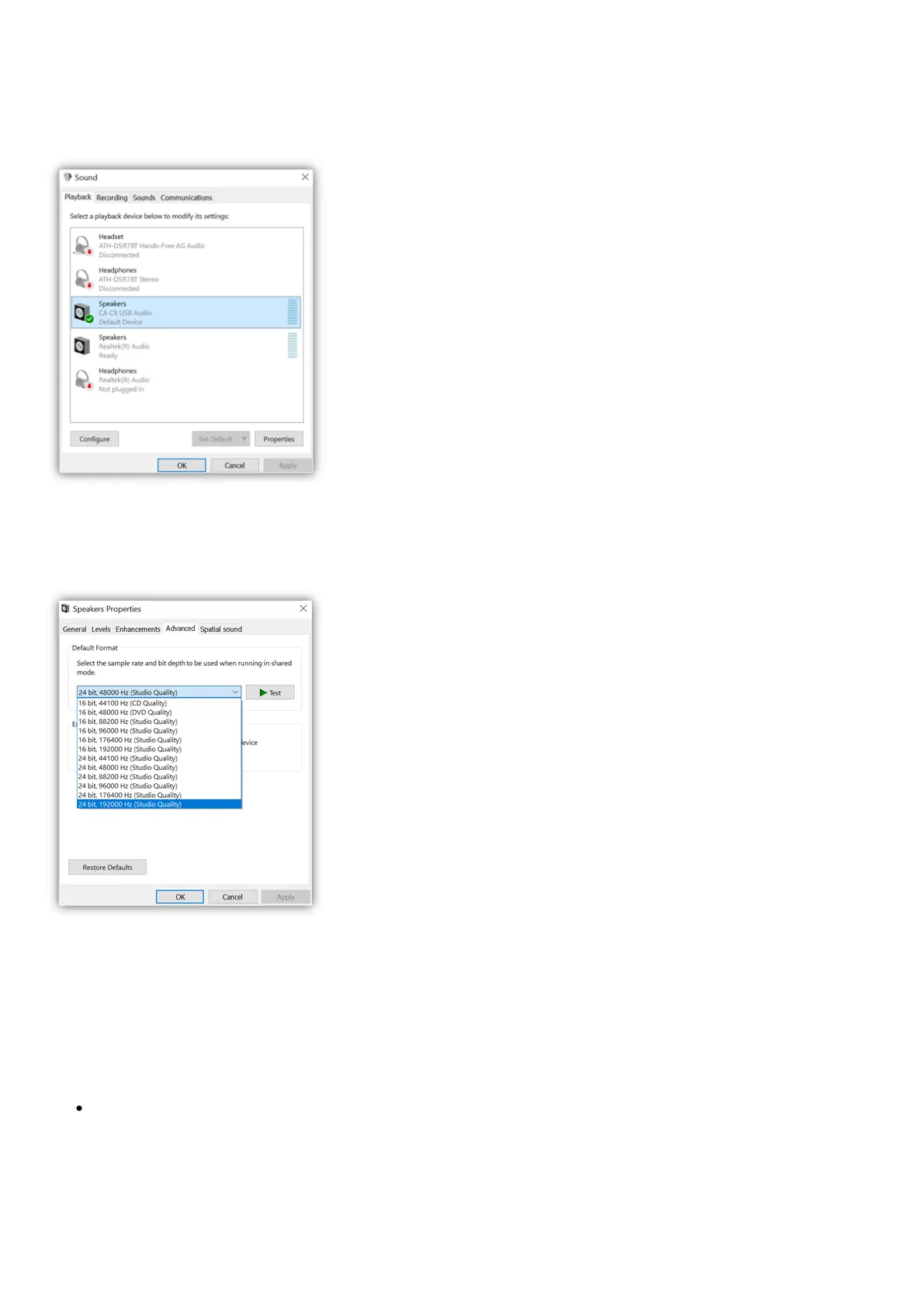
7. Within Speaker Properties, navigate to the Advanced tab. Select the desired bit depth and sample rate preference. Once selected, select Apply, then
OK.
8. Your PC’s output will now playback via the CXN (V2).
Mac Setup
1. Connect your CXN (V2) to your Mac.
Using a USB audio cable (Type A to Type B), connect the USB Audio In on your CXN (V2) to a USB port on the Mac.
Note: If using a Mac without a USB Type A port, you may also use USB Type C (Thunderbolt 3) to USB Type B connection.


 To Next Page