EasyManua.ls Logo

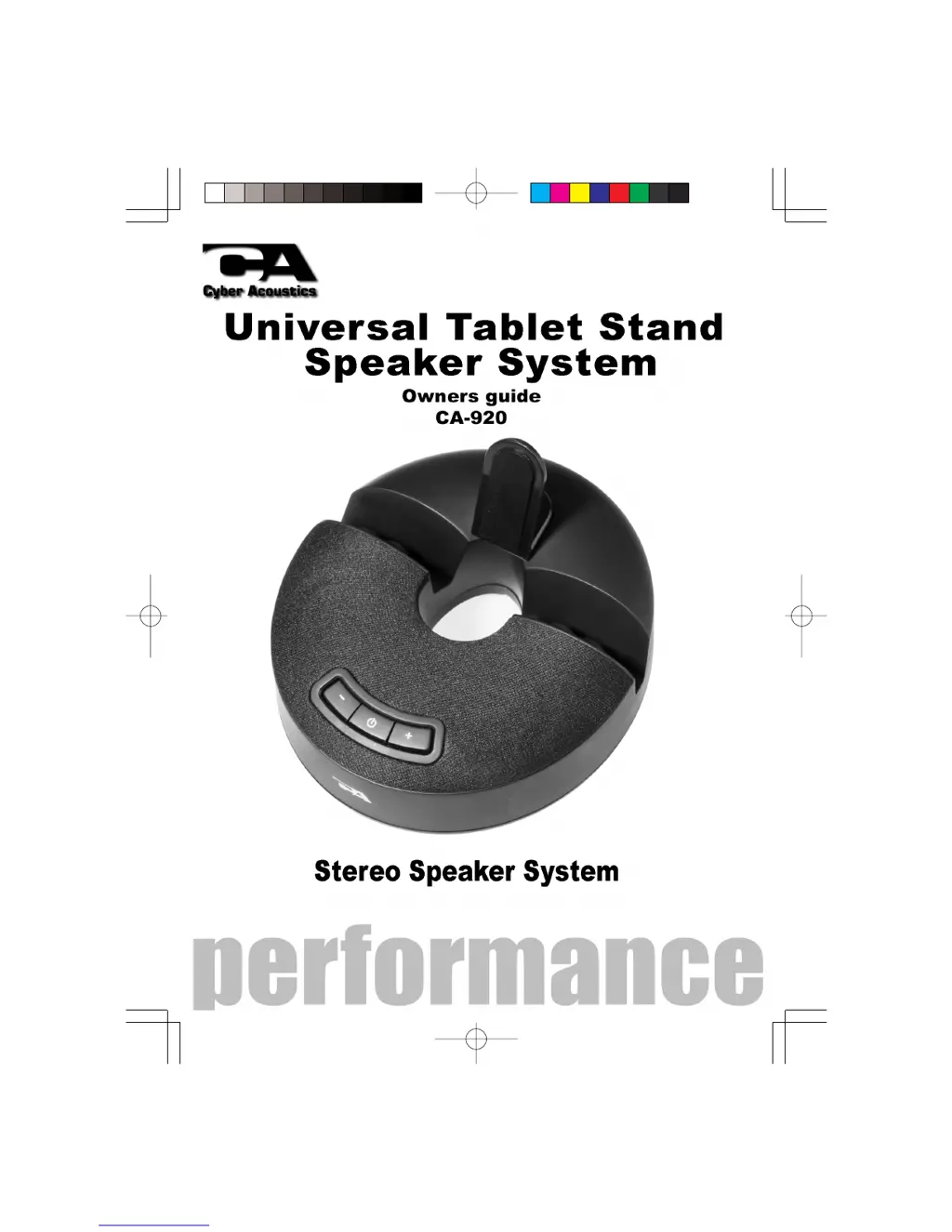
Cyber Acoustics CA-920 - User Manual

Cyber Acoustics CA-920
5 pages
Print Icon
To Next Page IconTo Next Page
Loading...
CA 920WB manual 2012/5/3 2:13 PM ›¶ 1
C M Y CM MY CY CMY K

Questions and Answers

  • D
    Dr. Christy DavisAug 10, 2025
    What to do if my Cyber Acoustics CA-920 do not produce sound?
    • J
      joshua13Aug 10, 2025
      If your Cyber Acoustics Docking Speakers aren't producing sound, first ensure they are receiving power by checking the power connections. Then, make sure the volume is at an audible level and that all cables are correctly plugged into the appropriate jacks. If issues persist, try connecting the speakers to an alternative source like an MP3 or CD player via the 3.5mm headphone jack to isolate whether the problem lies with your computer or its connections.
  • A
    Ana AdkinsAug 20, 2025
    How to fix Cyber Acoustics CA-920 Docking Speakers that will not power on?
    • W
      wmurphyAug 21, 2025
      If your Cyber Acoustics Docking Speakers won't power on, ensure the power button is pressed and check for the blue LED indicator. Also, verify that the AC power adapter is correctly plugged into both the speaker and the wall outlet, and that you're using the Cyber Acoustics AC adapter. Finally, confirm that the wall outlet or power strip you're using is actually receiving power.
  • C
    catherinebryantAug 30, 2025
    Why is the sound distorted on my Cyber Acoustics Docking Speakers?
    • K
      Kristin GonzalezAug 30, 2025
      If the sound from your Cyber Acoustics Docking Speakers is distorted, try turning the volume down. If the issue persists, check the volume level in your computer's operating system and decrease it if necessary. You can also adjust the computer’s master volume control by balancing the volume until it’s centered, then adjust the volume levels on the speakers.

Summary

Introduction and Box Contents

Introduction to the Speaker System

Description of the system's capabilities for portable devices.

Included Box Contents

List of all items provided with the speaker system.

Safety Precautions and Setup

Important Cautions and Warnings

Safety and operating instructions to prevent damage or injury.

Speaker Preparation Steps

Guidance on preparing the speaker before use.

Connecting the Speaker System

Connecting to Various Devices

Instructions for linking smartphones, tablets, and computers.

Speaker Controls and Features

Standby Button Functionality

Details on using the power and mute button.

Master Volume Adjustment

How to control the audio volume.

Supporting Feet Usage

Information on stabilizing the speaker on a desk.

Troubleshooting Common Issues

Speaker System Not Powering On

Solutions for power-related problems.

No Sound Output

Steps to resolve issues with no audio playback.

Sound Distortion Problems

Guidance on fixing distorted audio.

Cyber Acoustics CA-920 Specifications

General IconGeneral
BrandCyber Acoustics
ModelCA-920
CategoryDocking Speakers
LanguageEnglish