Frequently Asked Questions (Continued)
Page 9
Frequently Asked Questions
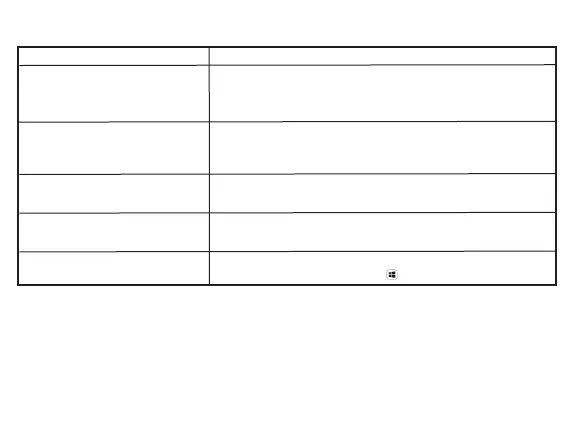
Possible Solution
Resolution on the monitor is lower than
4K @ 60Hz when connected to the HDMI
or Type C port of the CA Essential Micro
Docking Station.
- Make sure your computer can support HDMI 2.0b, DisplayPort 1.4 or higher.
- Make sure the HDMI cable being used supports HDMI 2.0b.
No video on the monitor attached to the CA
Essential Micro Docking Station.
- Check the video connection cables.
- Disconnect the monitor from the CA Essential Micro Docking Station and wait
for 10 seconds, then re-connect the monitor again.
Video on the attached monitors is distorted
or corrupted.
- Check the video connection cables.
- Check and update the video resolution under Settings > Display > Display
Resolution.
Video on the attached monitor is not
displayed in extended mode.
- Change the settings under Settings > Display > Multiple Displays.
- Switch modes by pressing the Windows Key + P.
Unable to read and write to an external
SSD/HDD and optical (CD/DVD/Blue-ray)
drive when connected to the CA Essential
Micro Docking Station.
- Some external SSD/HDD/Optical drives require higher power than the CA
Essentail Micro Docking Station can support.
- It is recommended that you connect the external SSD/HDD/Optical drive to
your computer directly.


 To Next Page