!
!
!
!
!
!
!
!
!
!
!
!
!
!
!
!
!
!
!
!
!
Initial Start Up!
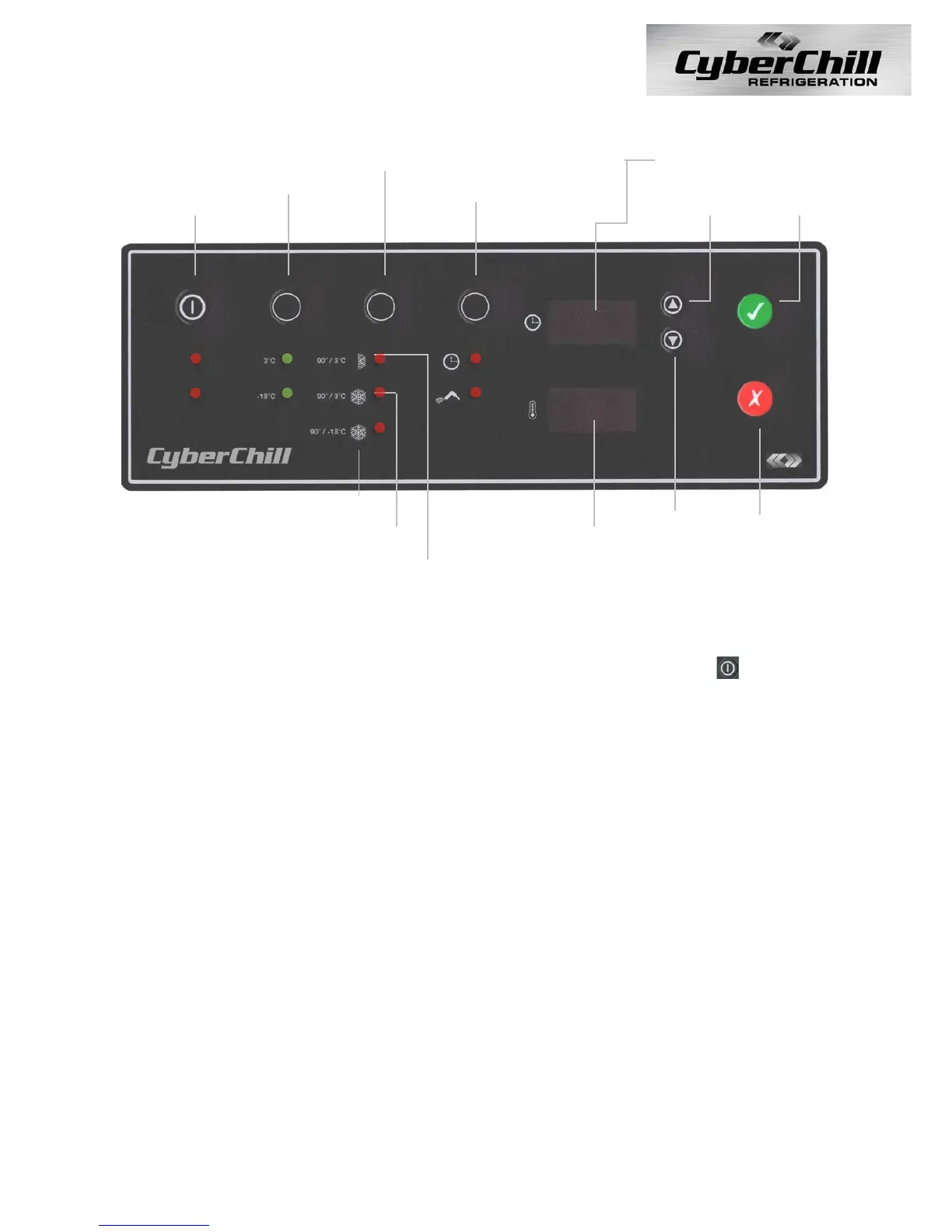
Plug the 13 Amp moulded plug into a suitable socket. If necessary, push the button on
the controller to start the unit. The controller will display a “PO” (Power Outage) alarm.
Press the red cancel button to cancel the alarm and the Blast Chiller will go into Chill
Storage mode.!
!
Checks!
After initial start up, the Blast Chiller should start to pull down to the preset temperature,
check that the temperature is reducing and listen inside and outside the cabinet to make
sure the fans are turning freely to check there has been no movement in shipping. If time
permits, stay with the cabinet until the preset temperature is reached and the condensing
unit cuts out.!
!
Using Your New Piece Of Refrigeration Equipment!
The cabinet must reach its preset operating temperature before loading any produce.
Please ensure that the produce is equally distributed throughout the cabinet and that air
can circulate around and through the products stored.!
!



 To Next Page