CyberData Corporation
3 Justin Court, Monterey, CA 93940
www.cyberdata.net
P 831.373.2601 | F 831.373.4193
RING CENTRAL CONFIGURATION GUIDE: SIP PAGING ADAPTER (SPA)
Doc. 931050B Page 22
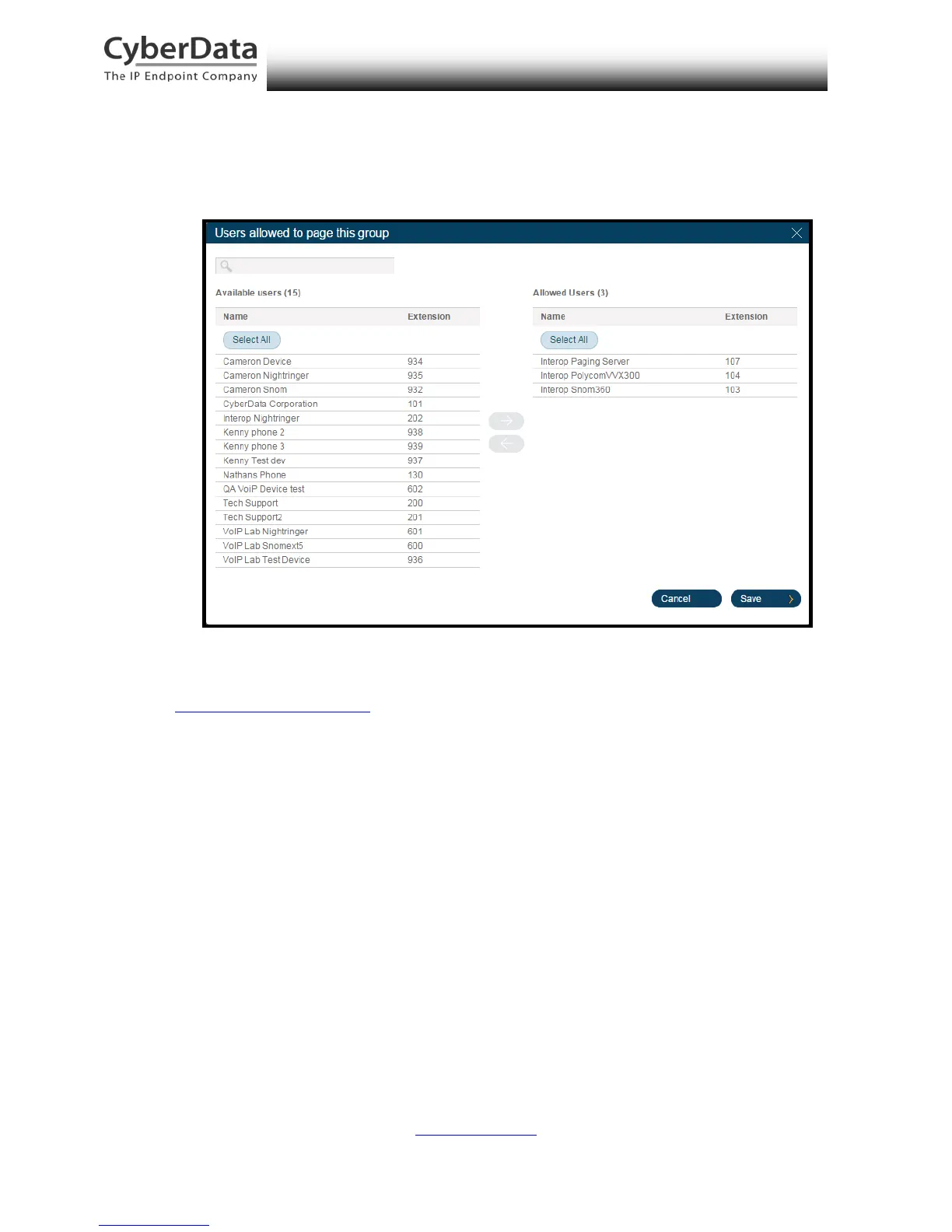
14. Select users from Available Users (n) list and move them to the Allowed Users (n) list
using the right arrow, then click Save.
Figure 5-15. Select Users Allowed to Page This Group
15. The page redirects back to the group’s paging menu after clicking Save. Proceed to
Configure SIP Parameters.



 To Next Page