CyberData Corporation
3 Justin Court, Monterey, CA 93940
www.cyberdata.net
P 831.373.2601 | F 831.373.4193
RING CENTRAL CONFIGURATION GUIDE: SIP PAGING ADAPTER (SPA)
Doc. 931050B Page 23
Configure SIP Parameters
You may feel more comfortable with web-based configuration or provisioning using templates.
Both methods are documented in this configuration guide. Be sure to review the SPA’s
operation guide for complete information on configuration through the web interface and
CyberData’s “autoprovisioning” method using templates via HTTP and TFTP protocols.
If you are configuring through the web interface, use the following steps to login to the web
interface of your CyberData device.
1. Click Launch Browser from the CyberData Discovery Utility or point your browser
to the CyberData device’s IP address to access the Home Page of the web interface.
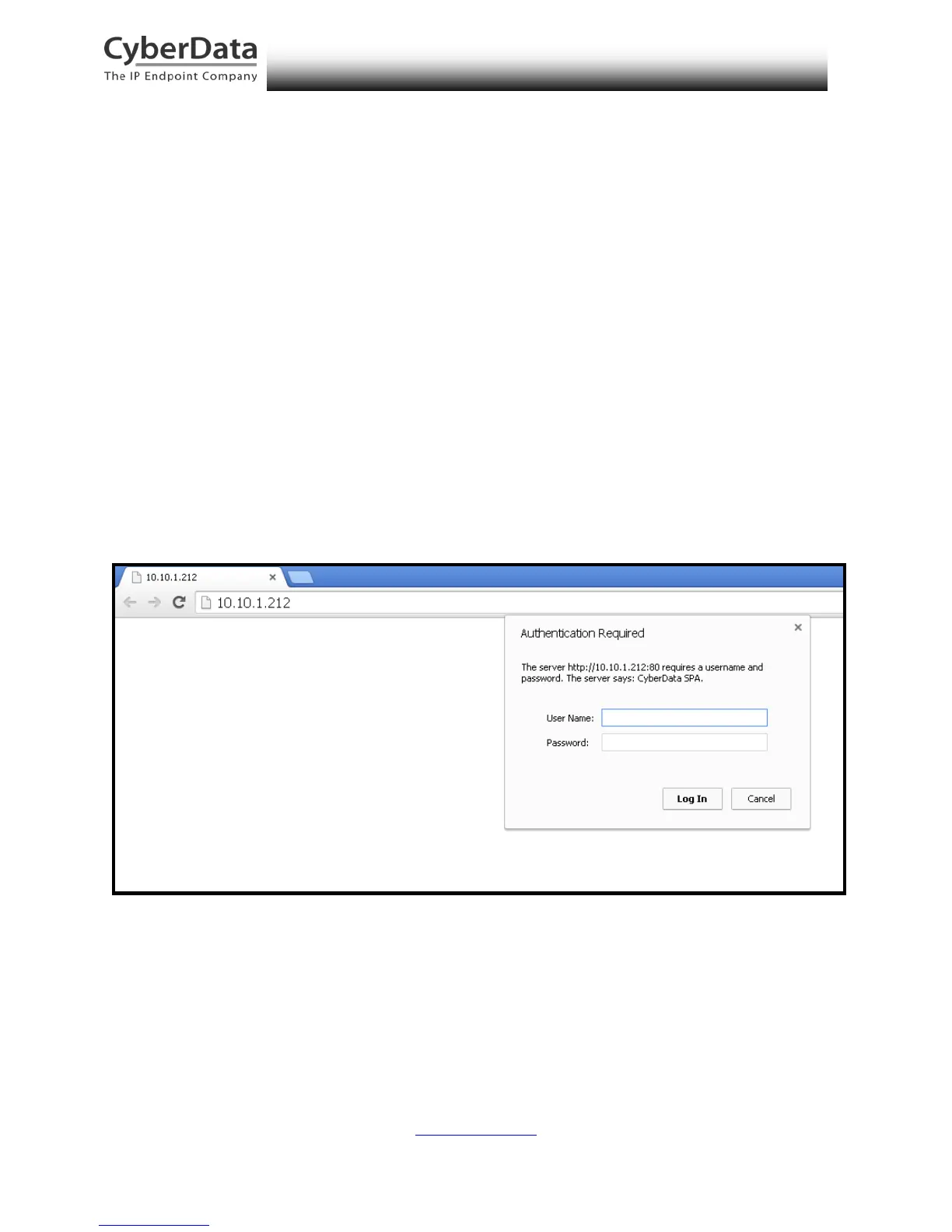
2. Enter the default credentials when prompted and click the Log In button.
Username: admin
Password: admin
Figure 5-16. Web Interface Login



 To Next Page