5
Mode Functions y
About Modes
The Rock Box is equipped (3) modes for easy switching
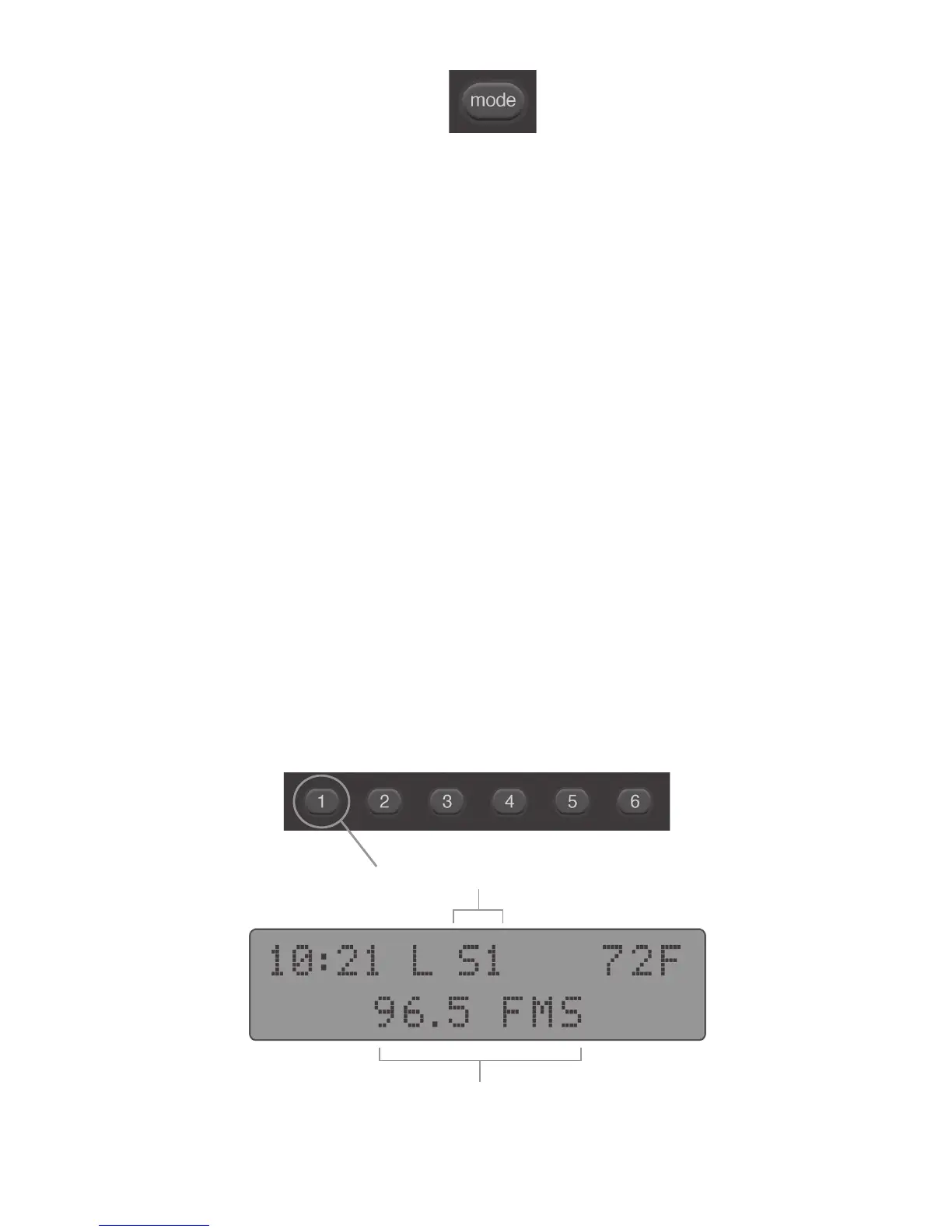
between input sources. To switch modes simply press the
“mode” button y. The input modes are dened as:
Radio Mode for listening to FM radio stations
MP3 Mode for using a ash drive or supported USB
device with the built-in USB port to play music
Auxiliary Mode for connecting any device with a
standard 3.5mm earphone jack such as an iPhone
By default the Rock Box starts up in Radio Mode. In Radio
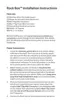
Mode the display will show the current radio station preset
shown here as (S1) indicating the current station is stored in
the preset labeled "1" y. FMS will display next to the current
radio station if the Rock Box is receiving a full stereo signal.
Radio Mode
Radio Preset Number
Radio Station


 To Next Page