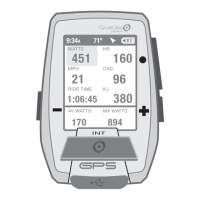
Joule GPS User Guide page 25
My Workout 1
9:34A
PWR ZONE
My Workout 1
PWR ZONE 1
My Workout 1
PWR ZONE 2
My Workout 1
PWR ZONE 3
My Workout 1
PWR ZONE 2
2 185
0:10:30
0:06:30
0:10:00
0:05:00
WATTS
TRAINING using WORKOUTS
The Joule GPS has a robust set of features that assist in training. These features include the ability to create and follow
a Workout, either outdoor or indoor; set up Auto Intervals based on time, distance or GPS position; and the ability to set
a Countdown reminder using time, distance or quantity of work. Creat the workout script using the CycleOps
PowerAgent application software. Within PowerAgent, the workout can be created manually or converted from a
previous ride activity, then transferred to the Joule GPS
. The Joule GPS is compatible with the PowerBeam Pro Trainer.
CHAPTER 6: TRAINING
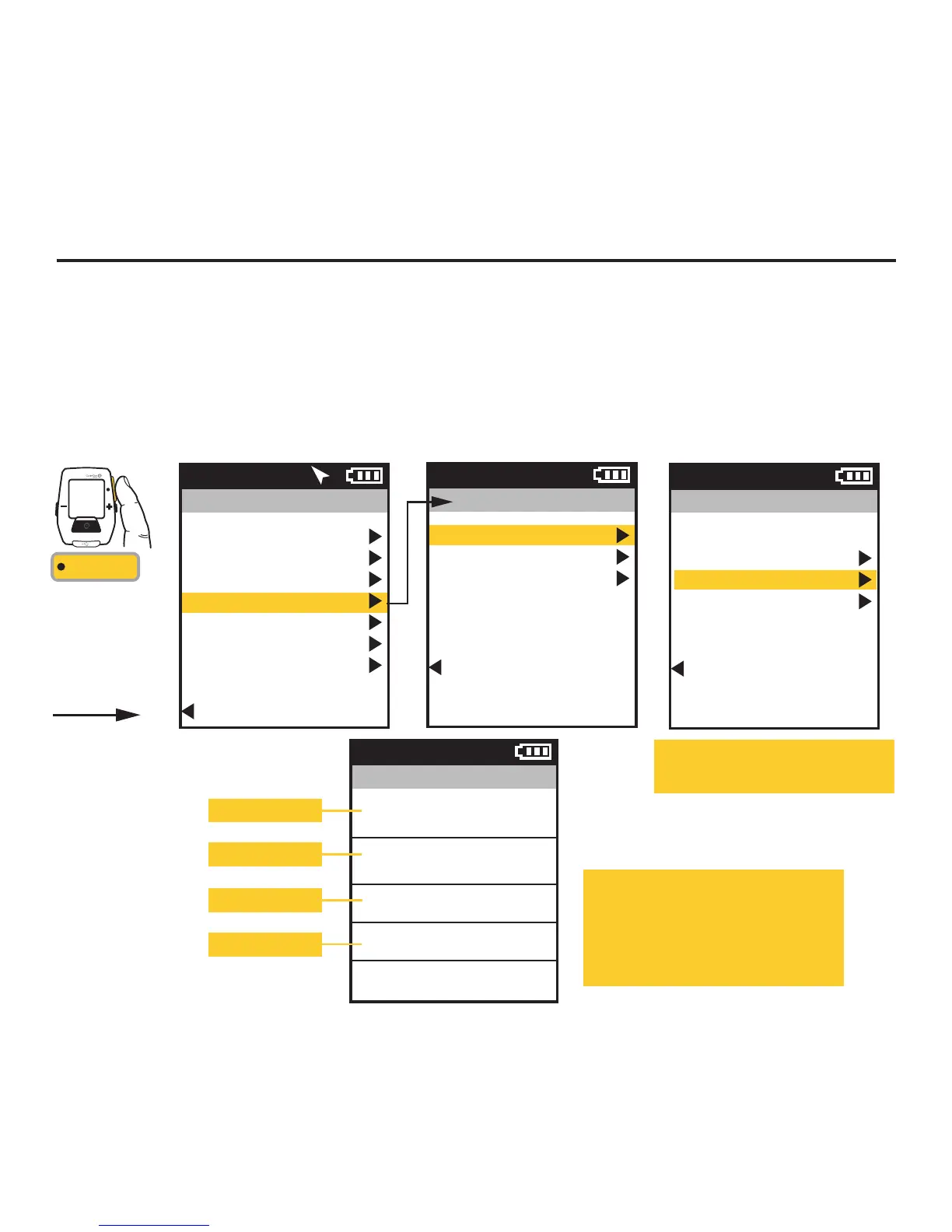
This menu lists all of the workouts
stored on the device.
When the user selects a workout,
that workout is initiated. The workout
info and segments are displayed as
the Workout dashboard in the list of
dashboards.
INT
[ENTER]
Press & Hold
3 sec. to enter
Menus. Scroll
to Training;
Press •[ENTER] ;
Select Workouts,
FROM DASHBOARD
Training
Workouts
Auto Interval
Countdown
Back to Main Menu
9:34A
Workouts
Select a Workout
Power Test
My Workout 1
Converted Ride 1
Back to Training
9:34A
Current info
Segment 1
Segment 2
Segment 3, etc.
Main Menu
Ride
History
Sensors
Training
Navigation
User
Device
Back to Dashboard
9:34A 71º


 To Next Page
 Loading...