Press [L1 button ] to start searching the ANT sensor
6.About Buttons
7.About Settings
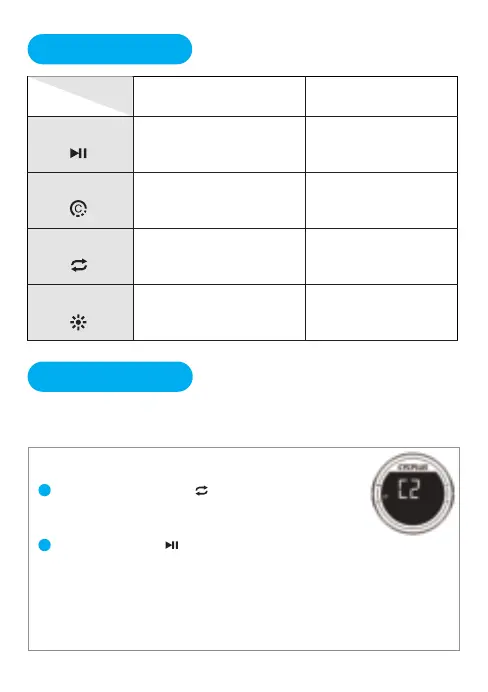
01.Search the ANT+ sensor(C2)
1
2
Long pres [R1 button ] to enter the setting
*The screen displays C2 and the ANT+ indicator is flashing.
*After the right sensor been searched, the screen will back to main
interface and display the sensor data. Time for searching is 10 seconds.
Will quit sensor setting (C2) and return to the main interface if time out.
Supported ANT sensors: Speed sensor, Cadence sensor, Heart rate
monitor, Power meter.
Press Long press
Turn off
Count lap Save record
Turn on/off backlight
Switch display content Enter/Quit settings
Turn on / Start setting
There are 6 pages in settings, long press the right button to enter the
setting, press right button to switch the pages. Details are as follows:
L1 button
R1 button
L2 button
R2 button
Start / Pause recording
---
05


 To Next Page