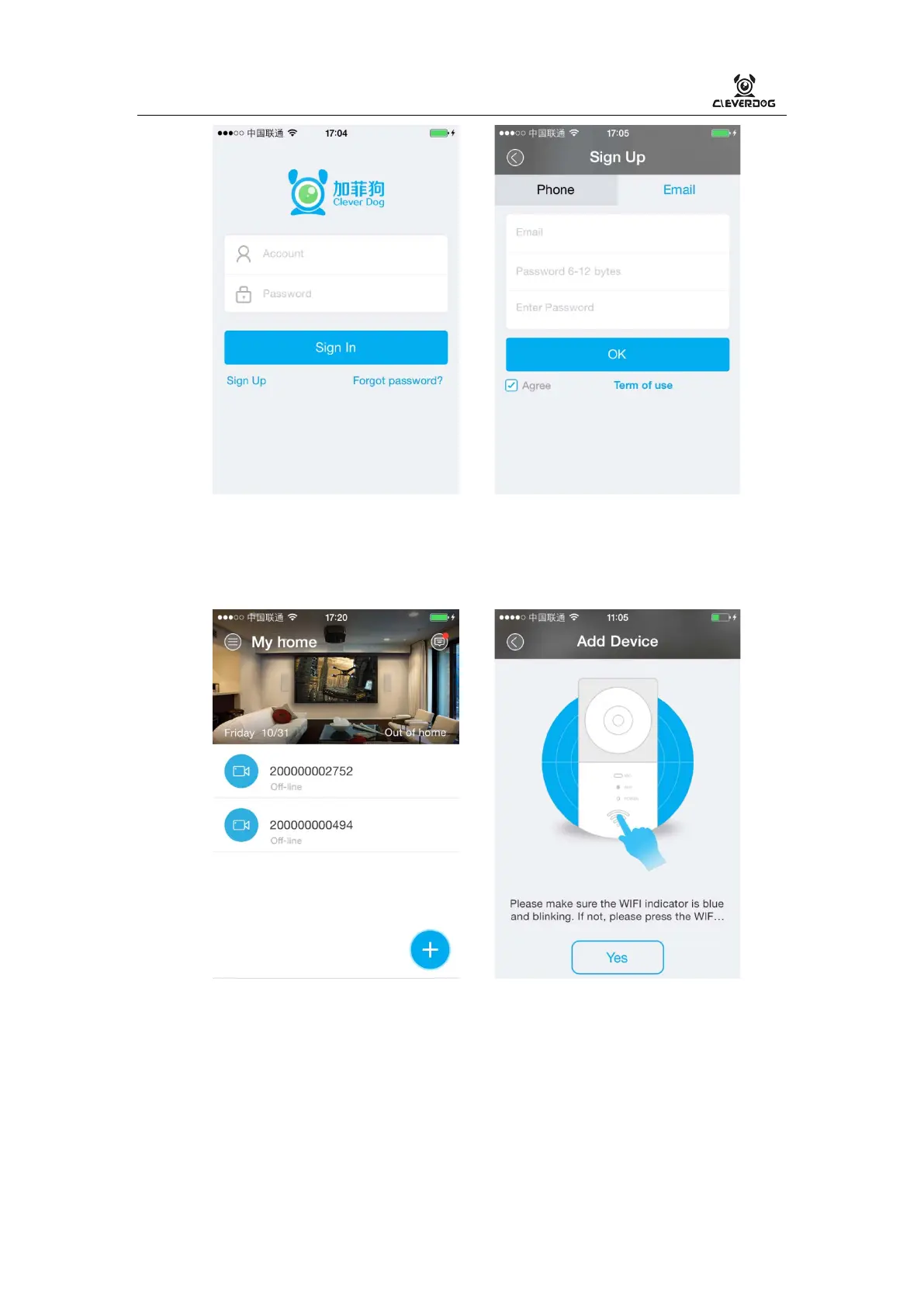
4. Add device in mobile phone.
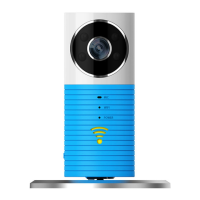
1) Please make sure the WIFI indicator is blue and blinking. If not, please press and
hold the WIFI button for a few seconds until WIFI indicator blinks.
2) Android phone: In the Clever Dog【Home】,click “+” to search devices.
3) iPhone:
Step 1:Via 【Settings】
>
【WLAN】 on your iPhone, connect to DOG-00*** and
password of 11111111


 To Next Page