5
3
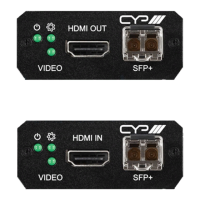
VIDEO LED: This LED will illuminate to indicate that the video source
is stable, and streaming is in process.
4
HDMI IN Port: Connect to HDMI source equipment such as a media
player, game console, or set-top box.
5
SFP+ Port: Insert a standard SFP+ module, and connect the
appropriate optical cable to allow data transmission to a compatible
receiver.
Note: The SFP+ module must support a dual-optical fiber connection
style, such as LC, or be pre-terminated dual-optical fiber cables. Single-
mode and multi-mode support is dependent on the SFP+ modules used.
6.4 Receiver Rear Panel
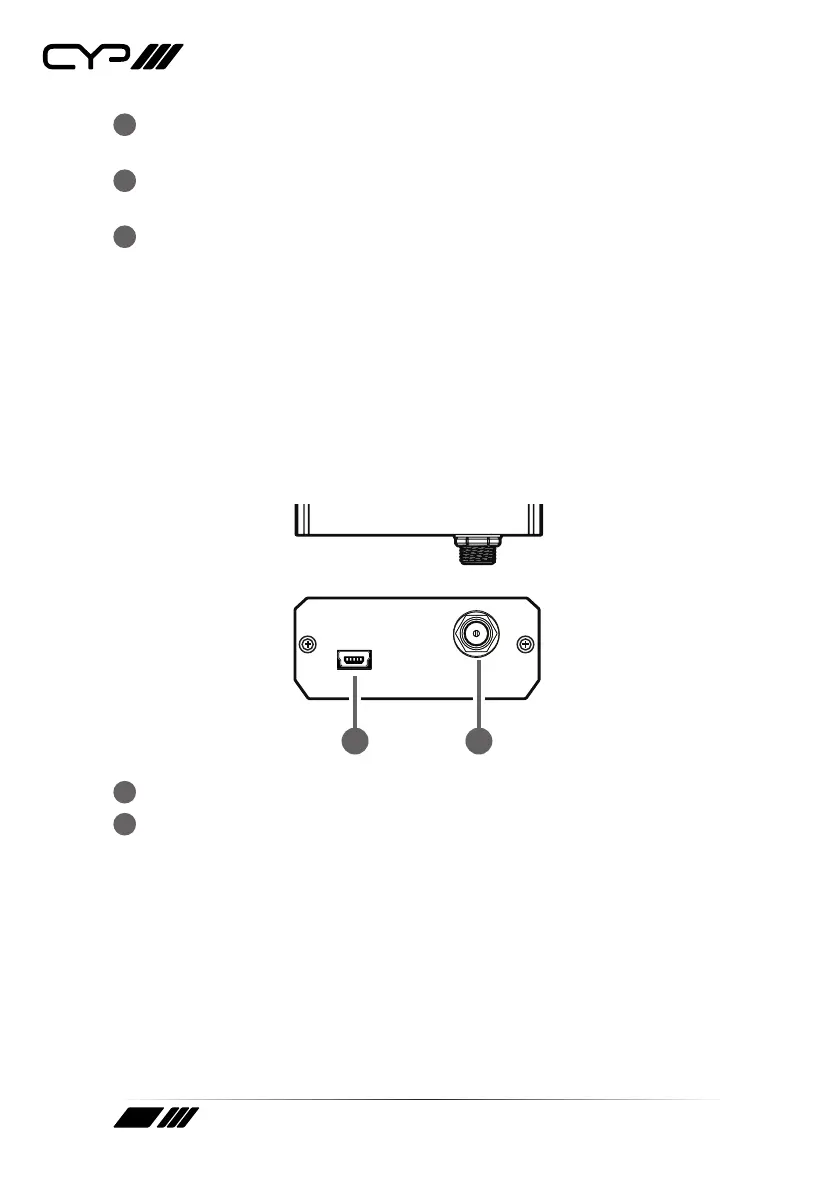
DC 5VSERVICE
DC 5VSERVICE
1 2
1
SERVICE (USB Mini-B) Port: This port is for rmware update only.
2
DC 5V Port: Plug the 5V DC power adapter into this port and connect
it to an AC wall outlet for power.


 To Next Page