4
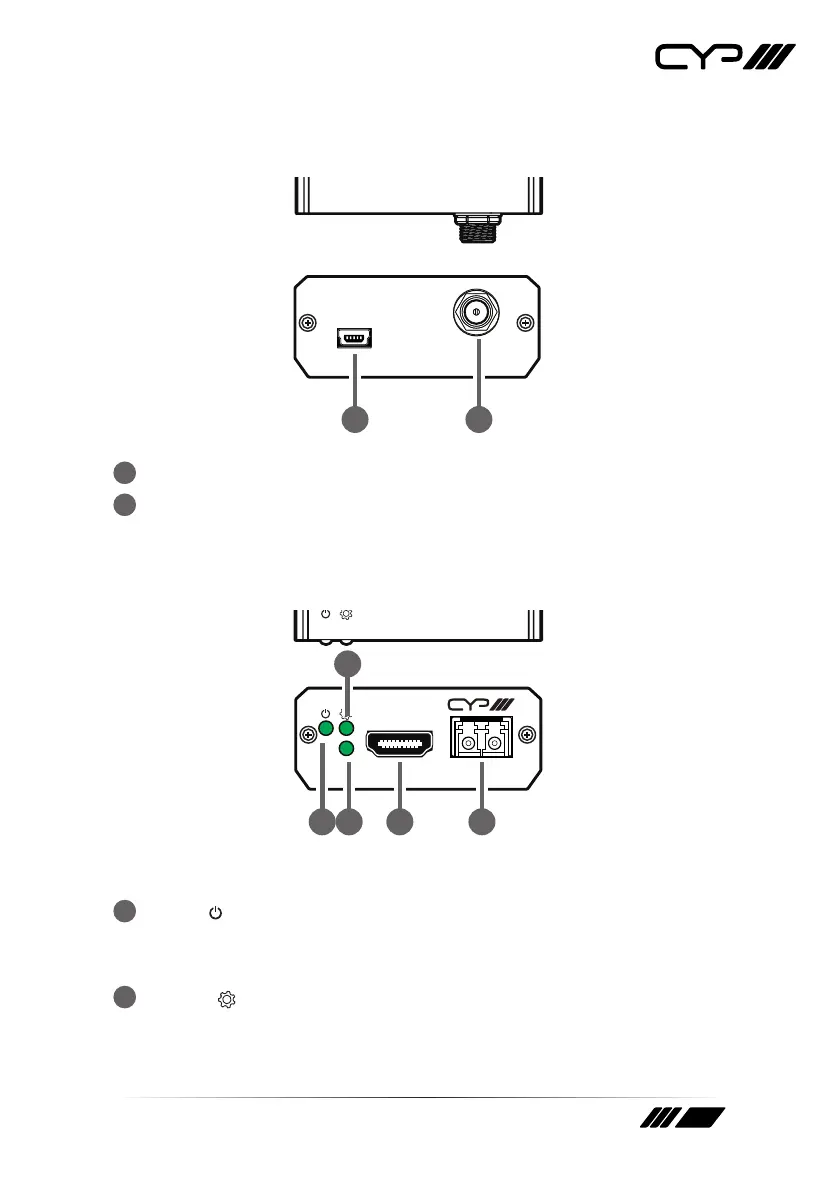
6.2 Transmitter Rear Panel
DC 5VSERVICE
DC 5VSERVICE
1 2
1
SERVICE (USB Mini-B) Port: This port is for rmware update only.
2
DC 5V Port: Plug the 5V DC power adapter into this port and connect
it to an AC wall outlet for power.
6.3 Receiver Front Panel
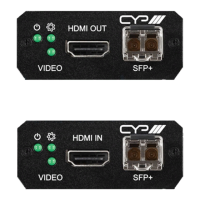
HDMI IN
VIDEO SFP+
HDMI IN SFP+VIDEO
1 3
2
4 5
1
Power ( ) LED: This LED will illuminate to indicate the unit is on and
receiving power.
Note: This LED will blink during the firmware update process.
2
System ( ) LED: This LED will illuminate to indicate that the system is
stable and ready to process audio/video streams.
Note: This LED will blink during the firmware update process.


 To Next Page