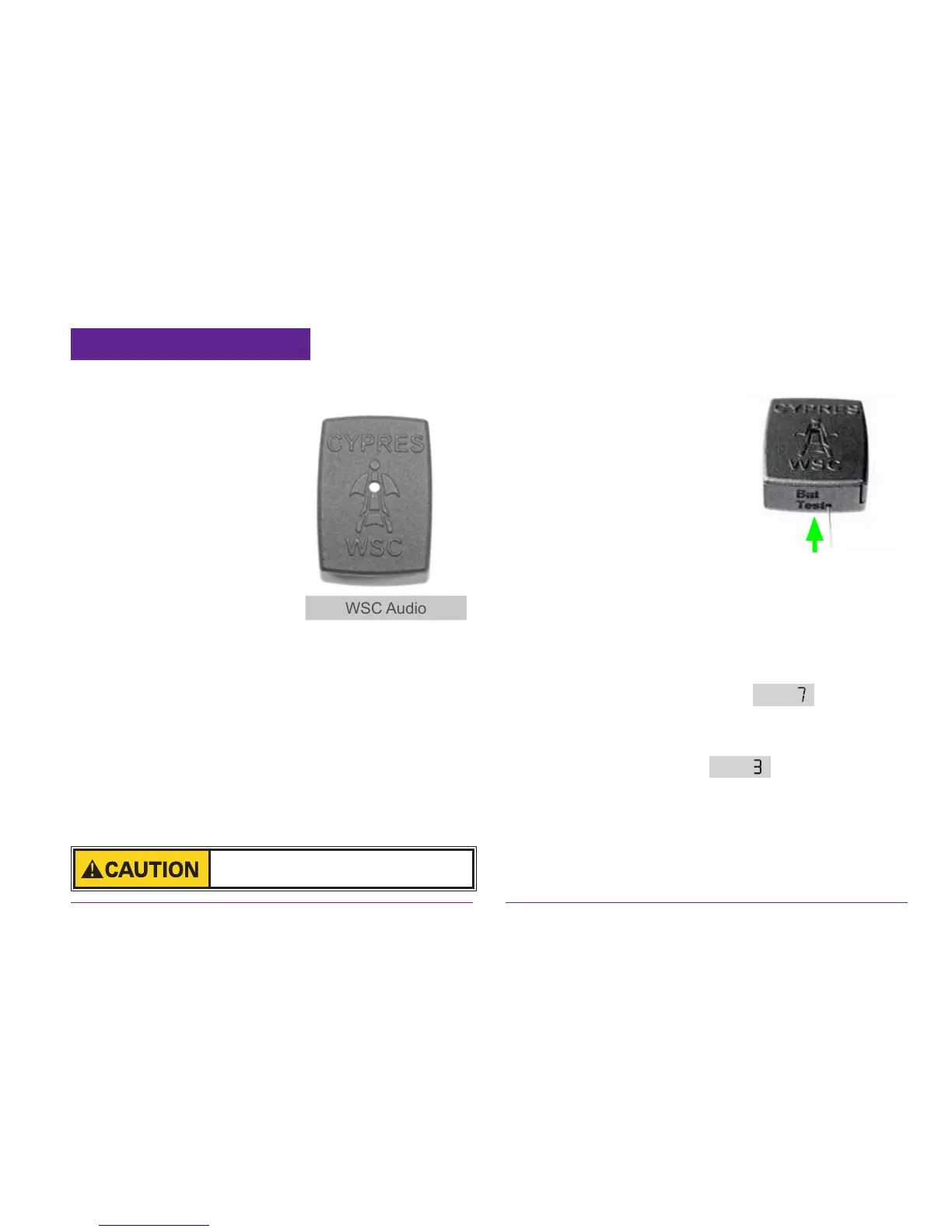
2.6.1 The WSC Audio
Please place the Audio into your helmet like
an acoustic altimeter. It
does not need handling,
the function is fully au-
tomatic.
The Audio should no-
tify you about the WSC
change from WingSuit
Status to Canopy Status.
Without this audible in-
formation you have no
conrmation that your WSC has changed status.
You must be certain of this change.
Right after your WSC has changed from the Wing
Suit Status to the Canopy Status it informs you by
playing a melodic sound for 10 seconds.
If the Audio’s voltage decreases below a dened
value, then the melodic sound that you hear will
be played for approx. 1 minute instead of being
played for the typical 10 seconds. If that appears on
a jump, then please swap out the Audio’s battery.
There is a possibility to check
the Audio’s battery while
being on the ground: gently
insert a straightened paper
clip into the „battery test“
hole as shown.
When you pull it out you
will hear the melodic sound if the battery is o.k.
There is also a possibility to check the Audio`s
functionality. That goes as follows:
Switch on your WSC. Have the Audio within a 3
foot range.
Once, during the self test, the appears on
the display, then gently insert a straightened paper
clip into hole BAT Test at the Audio and keep it
there. When you see the you should hear
the melodic sound.
If that happens, then the functionality is given.
When you are a Wing Suit Jumper and you check
your gear check your Audio also.
The WSC Audio is not waterproof. Do
not submerge it in water or similar.


 To Next Page
 Loading...