- CYPRES 2 User’s Guide - page 19
it is mandatory that you always know in which
Status the WSC is working.
Therefore please place the WSC Audio (comes
with your WSC) inside your helmet like an acous-
tic altimeter. No handling is necessary, it works
automatically.
Right after your WSC has changed from the
Wing Suit Status to the Canopy Status it informs
you by playing a melodic sound for 10 seconds.
If you don’t hear the melodic sound: The risk of a
two-canopy-out scenario is increased dramatically.:
Two canopies out can easily hurt or kill you and / or
others. After opening of your main be prepared to hear
the sound of your Audio.
In case you don’t, then y at half breaks until you hear
it. If you still do not hear it, then avoid high vertical
speed below 1500 feet.
Do not y aggressive but smooth below 1500 feet. Do
not do sharp 90‘s or more below 1500 feet.
If you have programmed a user selectable activation
altitude then you have to increase the 1500 feet by the
programmed distance. Land safely.
While the WSC is designed to eliminate a part of
the risk arising from the Wing Suit ight itself,
it should not create limitations on your canopy
ight manoeuvres. To cover this, the WSC allows
you to choose from two different modes for the
Canopy Status.
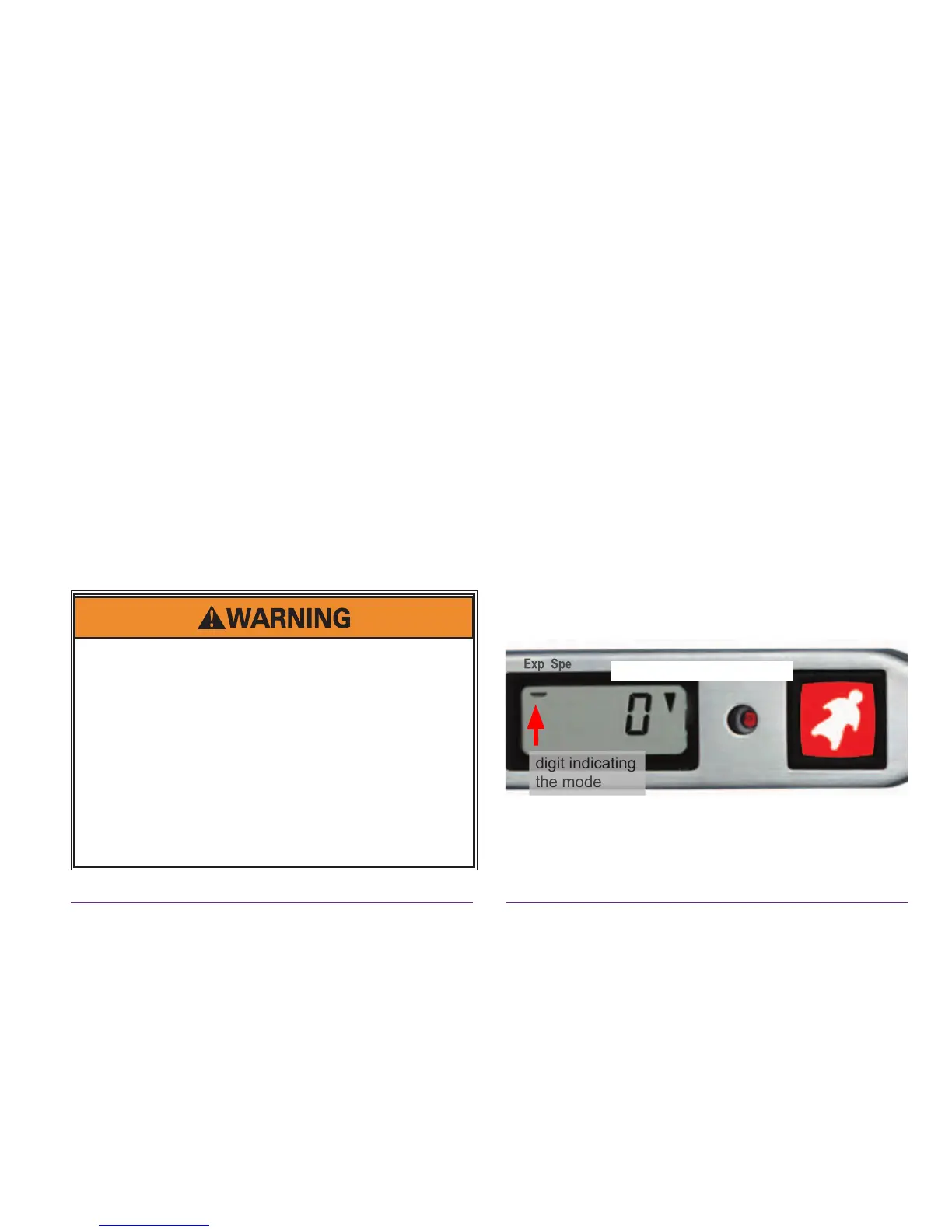
You can either use the Expert CYPRES mode or
alternatively use the Speed CYPRES mode. The
choice should be determined by your personal
habits. The Expert mode is preferable, if you are
a normal or a bit faster canopy pilot - therefore the
Expert (see Chapter 2.5) is the WSC default setting.
unit set in Expert mode


 To Next Page
 Loading...