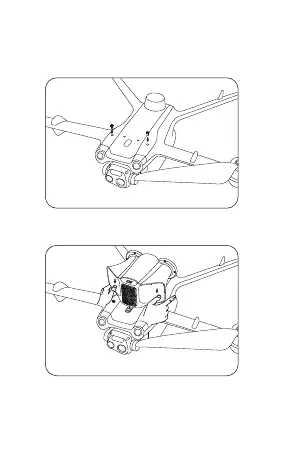
2. Insert the MP20 type-c port into the drone interface
and press the ball buckle with the thumb at the horn port.
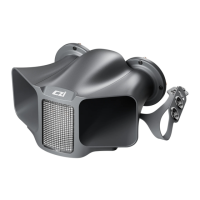
IV. MP20 Installation Instructions
1. Install the ball screws in the two screw holes at
the front of the top of the Matrice 3 drone.
3. Tie the left and right side straps (Tip: press the
rear straps on the back of the drone under the arms
first, then press the buckle on the front straps down)
01 02 03 04 05 06 07 08 09 10 11
12 13 14
15 16 17 18 19 20 21 22 23


 To Next Page