VIII. Restore Factory Settings
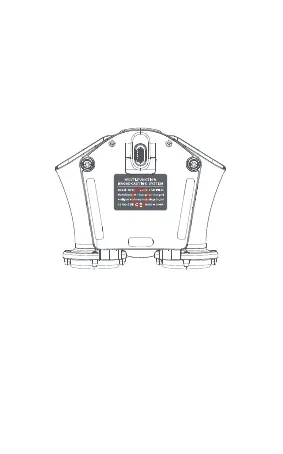
Supply power to MP20 through type-c cable
(connect to computer), then long press the button at
the bottom of MP20 (silk-screen printing product informa-
tion area), release the button when the voice of “Restore
Factory” is playing, and wait for restart.
24


 To Next Page