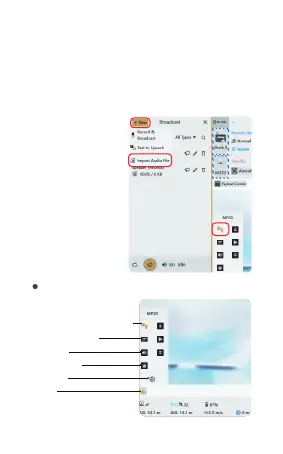
FlightHub 2 load controls introduction
Volume
Alarm lamp
Load
Setting
Information bar
TTS&Recording
broadcasting&files upload
01 02 03 04 05 06 07 08 09 10 11
12 13 14 15 16 17 18 19 20
21 22 23
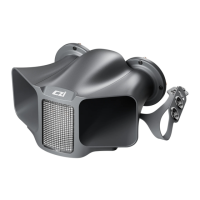
① Install MP20 on the drone and open the PSDK control
on FlightHub 2
② Select the “New” button
③ Select the file need to be uploaded
④ Wait for the upload to complete
Method II: FlightHub 2 file uploading
①
②
③


 To Next Page