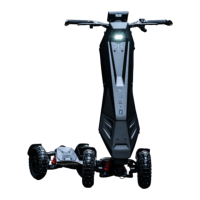
FAILURE TO READ AND FOLLOW ALL INSTRUCTIONS MAY RESULT IN SERIOUS INJURY
19
For use on private land, Dragony has enhanced performance in order to deliver the
torque required for more demanding terrain. This mode has a greater potential risk of
injury and therefore requires careful consideration for safety and all applicable laws.
Upon selecting the D3 mode you will be reminded of this.
In order to ride your Dragony, you will need to disengage Parking (P) and engage
one of the driving modes. Press (P) to disengage Parking mode and click the + and –
buttons to toggle between the different ride modes available.
4.5 Accelerating
4.6 Braking
Front E-ABS
Your Dragony is equipped with ‘One Drive’ technology. This technology functions with
*regenerative braking. This means you can control acceleration and braking with just the
accelerator. By turning on your E-ABS settings from your HMI screen, you are activating
‘One Drive’ and regenerative braking. Once E-ABS has been switched on, pressing the
accelerator will make your Dragony accelerate, and releasing the accelerator will
engage your front brakes.
*Regenerative braking
As you brake, the system will automatically allocate a quantity of the braking force to
energy regeneration and some to the electronic brake mechanism. As a result, the
system simultaneously slows the vehicle down and recharges the battery for improved
energy eciency, greater range and the benet of reduced rear brake wear.
You can adjust how much regenerative braking the system provides by choosing one of
the 4 settings between 25%, 50%, 75% and 100%. The greater the percentage chosen,
the higher the braking intensity and the shorter the braking distance. Test the settings
in a private and safe place, to get familiar with the difference in braking before riding in
a public environment. Note: The 100% E-Brake intensity setting can provide up to 10%
greater battery eciency.
4.6.1 Mechanical Parking Brake
4.6.2 E-Parking (P) Brake
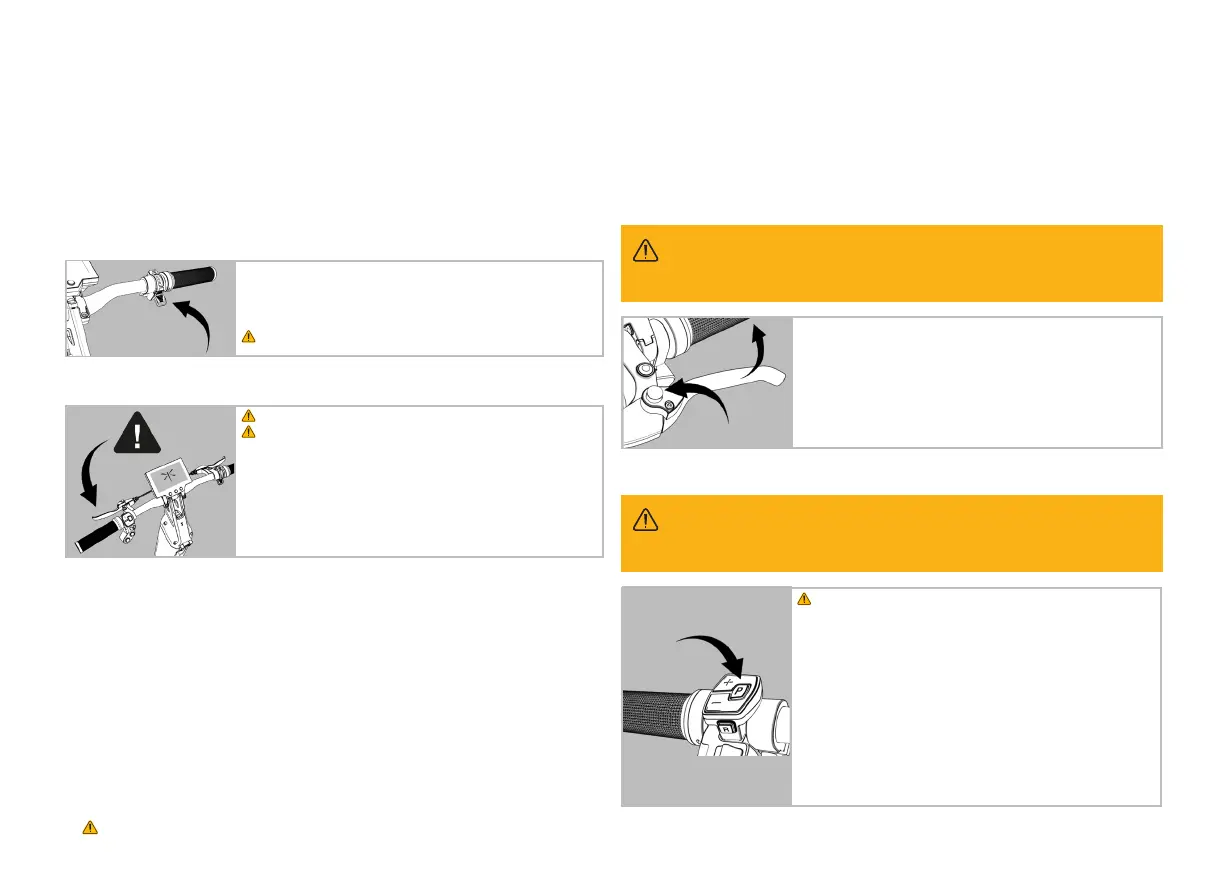
Your Dragony’s acceleration is controlled by an accelerator
The button is located on the right-hand side of the handlebars.
Familiarize yourself with the accelerator before trying to maximize
speed.
Always practise at low speeds rst, in D1 mode.
FAILURE TO ENGAGE PARKING BRAKE MAY RESULT IN DAMAGE OR INJURY OR DEATH
WARNING
Always apply your back (left hand) brake rst.
Avoid sudden braking.
Testing the brakes
Your Dragony is equipped with an electric front braking system
operated by the right lever and a mechanical drum rear braking
system operated by the left lever.
Always anticipate braking ahead of any obstacle. Always keep your
weight evenly distributed on your Dragony, particularly when
braking, to avoid falling forward.
When your Dragony is stationary and switched off, engage your
parking brake to lock your rear wheels and stop any possibility of
motion.
Squeeze your rear brake lever (left) and depress the top button to lock
the brakes. Squeeze the lever and press the button to release.
WARNING. Your electronic Parking brake only works when your
Dragony is switched ON.
Your Dragony is equipped with an electronic parking (P) brake.
Once engaged, the system locks the front wheels and prevents
any movement. This is an intelligent and intuitive system. If any
directional pressure is applied while (P) brake is activated, the system
will correct any movement. For example, if you park your Dragony on
an incline and pressure applied on the deck causes an initial shift in
your position, the system will automatically reposition your Dragony
in its original parking place.
To engage your electronic parking (P) brake, press on the P button.
This will disengage your driving mode and lock your front wheels.
FAILURE TO ENGAGE PARKING BRAKE MAY RESULT IN DAMAGE OR INJURY OR DEATH
WARNING


 To Next Page
 Loading...