DCM-200 USB/Ethernet Cable Modem
Windows ME (Millennium Edition)
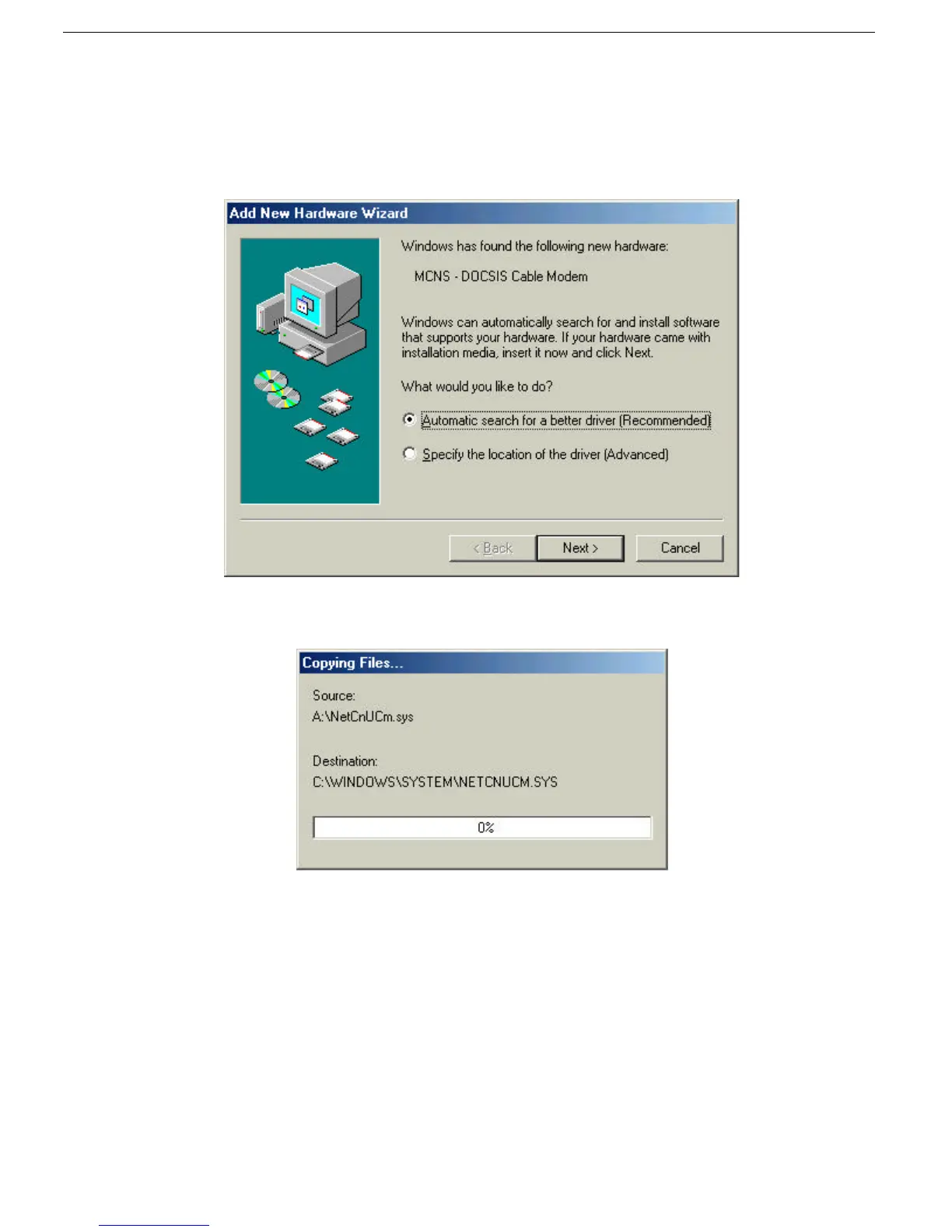
If your PC is running Windows ME, it will automatically detect the new hardware through a series of windows
displayed below. Follow the steps described below to add the driver for the USB/Ethernet Cable Modem.
1. Once the USB cable is connected to the USB interface, the following window will be displayed:
2. Select “Automatic search for a better driver (Recommended).” and then click Next >.
3. The following window will appear:
4. Once the necessary driver files have been copied, the following window will be displayed. In the event of a
version conflict, we recommend keeping all previous versions.



 To Next Page