25
Installing the Software Drivers (Windows Me OS)
(continued)
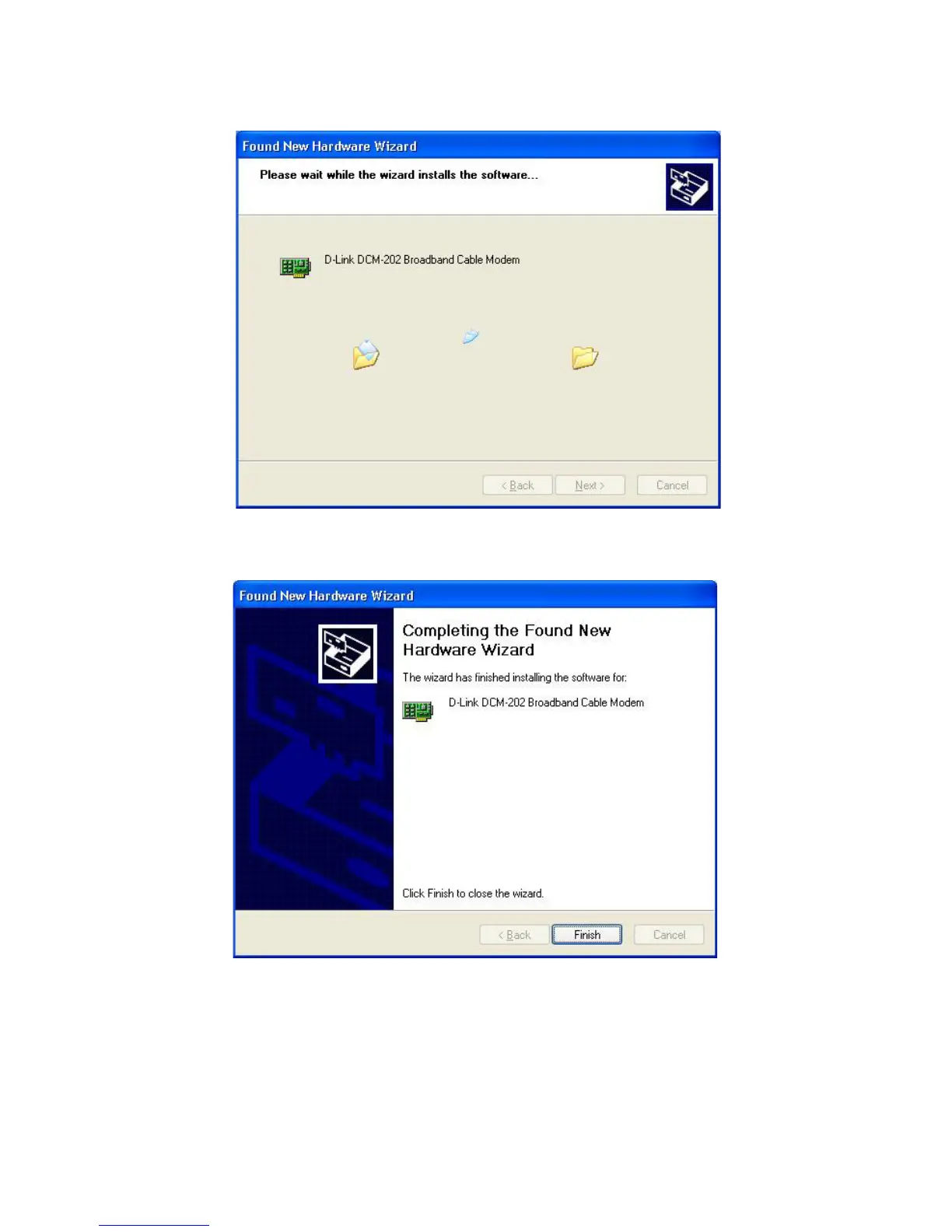
5 When Windows locates the device driver, click Next. The computer copies
the necessary driver files from the CD.
6 Click Finish after the computer has copied the necessary files. The System
Settings Change dialog box appears.
7 Click Yes to restart the computer.
8 Verify that the Power, Cable, Status, and USB LEDs are solid green and not
blinking. If they are lit and not blinking, installation is now complete;
otherwise, see “Troubleshooting the USB Installation” for help. See “Cable
Modem Front and Rear Panels” for more information about thefront panel
LEDs.



 To Next Page