29
Cable Modem Front and Rear Panels
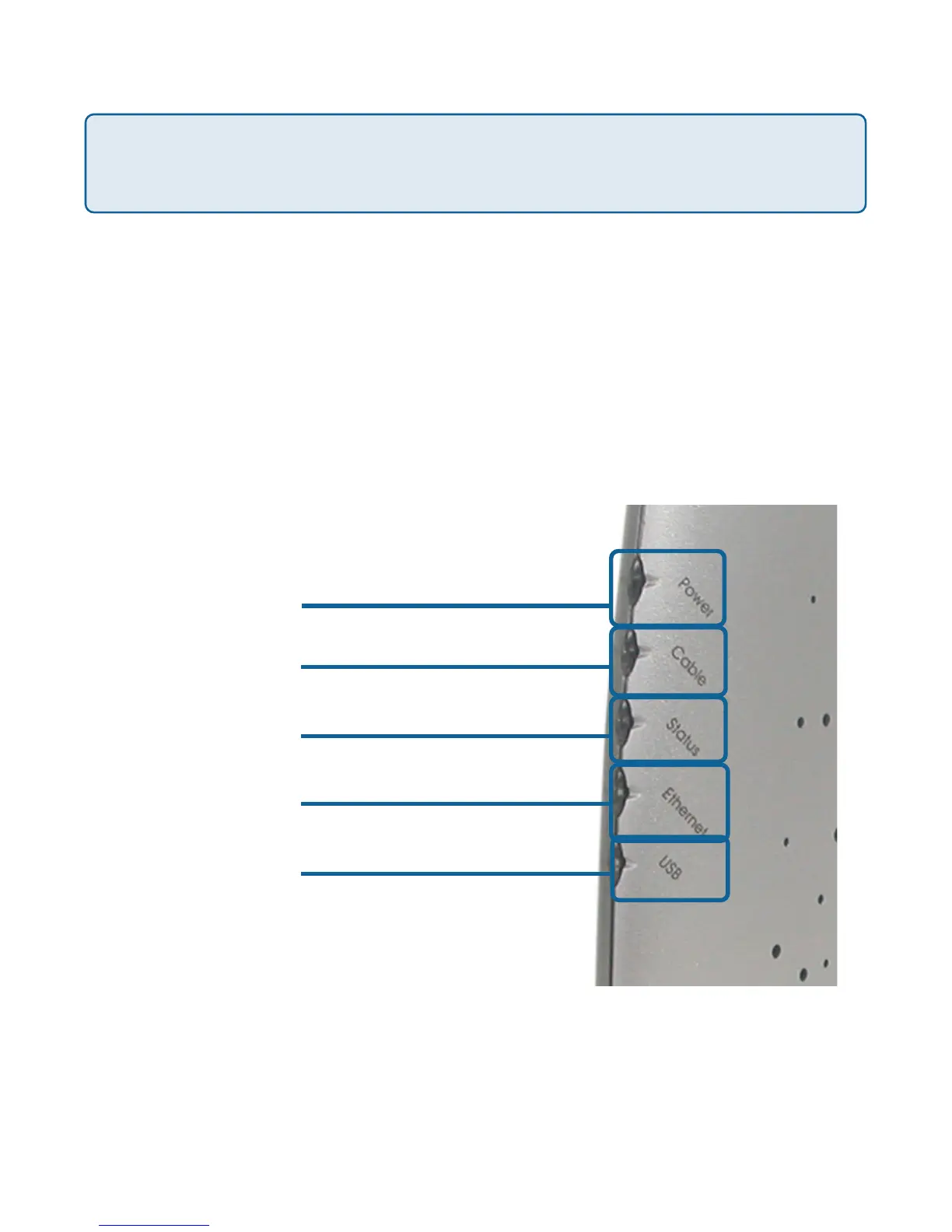
This chapter describes the light emitting diodes (LEDs) on the front panel
and the connectors on the rear panel of the cable modem.
Front Panel LEDs
The LEDs on the cable modem indicate:
• The current performance of the cable modem.
• The condition of the network connection between the cable modem
and your cable service provider.
• The condition of the connection between your cable modem and
electrical power.
CAUTION! Be sure to read this entire User’s Manual from front to back in
sequence before installing the D-Link DCM-202 cable modem.
Front Panel LEDs
Power
Cable
Status
ETH
USB



 To Next Page