6
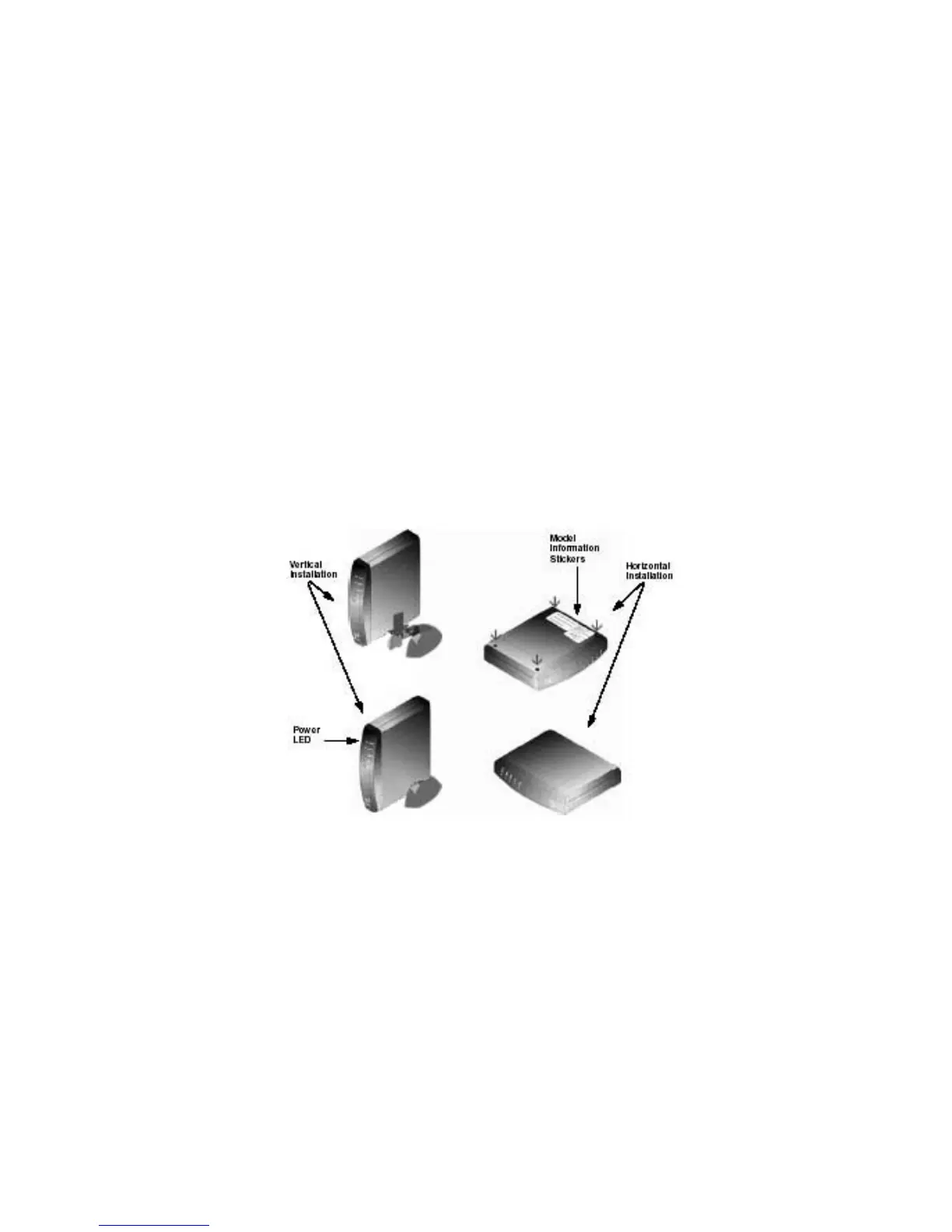
Remove the backing paper and attach a foot to each of the corners on
the cable modem; be sure to attach the feet on the surface that
contains the model information stickers, as shown.
3 Do not restrict the airflow around the cable modem.
4 To enhance the best performance and proper function of the cable
modem, place it on a horizontal surface or workplace and make sure that
the cable modem does not move when it is operating.
Prepare Your Workspace for the Cable Modem
Installation (continued)



 To Next Page